





How to Optimize Provider Scheduling and Communication for Radiology

Background
Pacific Imaging Associates (PIA), formed from the merger of two radiology practices, serves a number of partnering hospitals and clinics in the Portland area. The schedule is built by Dr. Stephen Tang, who has the responsibility of ensuring that 15 providers are appropriately scheduled to accommodate patient volumes and support access. Dr. Tang used popular scheduling technology to do this work, but the results almost always led to frustration—both for Dr. Tang and the clinicians in his practice.
Challenges
Though the previous solution automated the scheduling process, its limited functionality created schedules that often led to overworked clinicians and inequitable shifts. Even with manual intervention, the solution’s scheduling algorithm often worked incorrectly, and Dr. Tang’s lack of back-end administrative privileges prevented him from having full control over schedule outputs.
When Dr. Tang reached out to customer support for help, he was met with inconsistent service and long wait times. Occasionally, customer support was completely unavailable. The frustration he experienced often caused him to build the schedule by hand. This was tedious, but it was still faster than slogging through an automated build that required him to comb through the schedule after the fact to fix any glaring issues.
Implementation
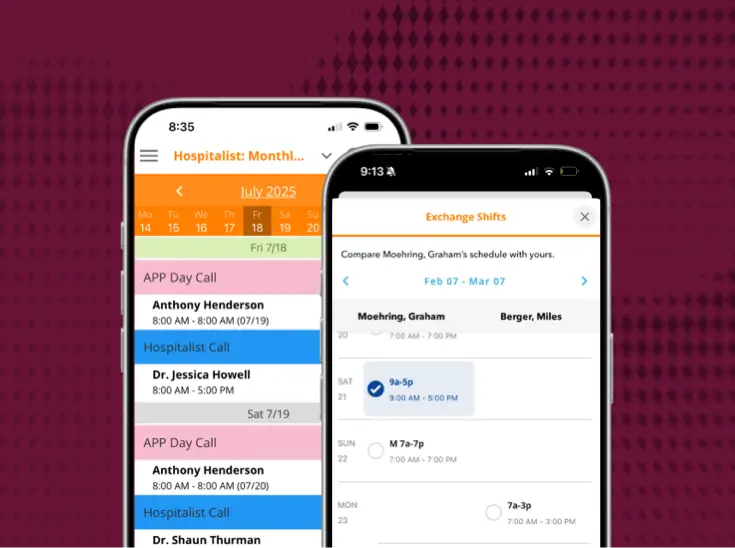
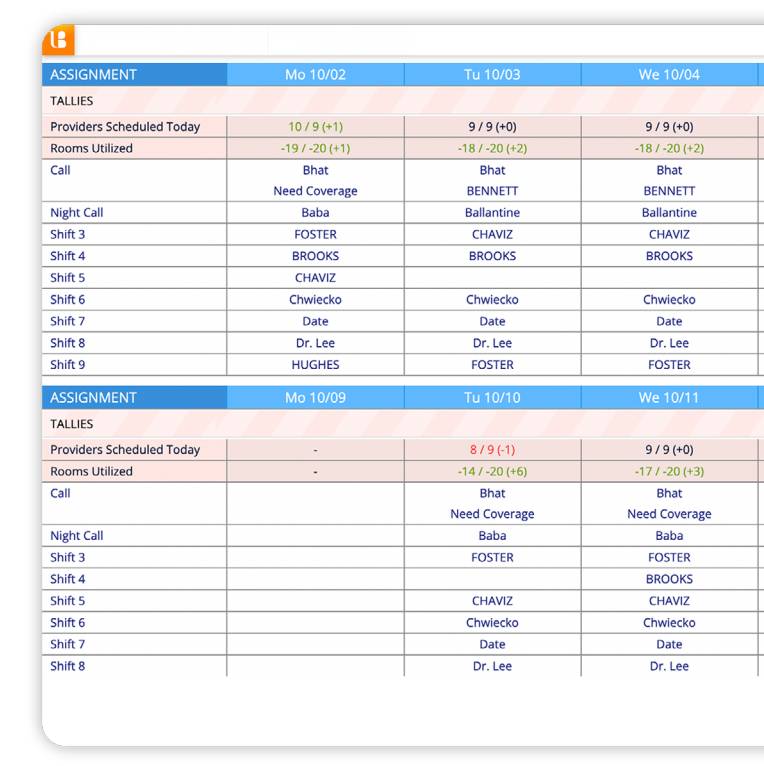
Dr. Tang selected PerfectServe's Lightning Bolt Scheduling solution for its optimization capabilities. Since implementation, PIA has used the solution to auto-generate their call schedules and equalize shifts among providers.
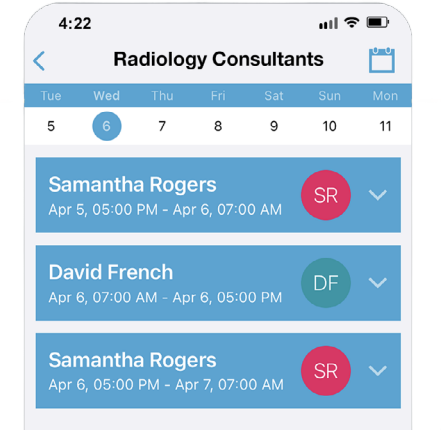
"[With our previous solution], if the rules didn’t work and I needed to re-run the schedule, I would have to start the whole thing over from scratch."

—Dr. Stephen Tang
Results
Through the implementation of Lightning Bolt, PIA has transformed its scheduling processes, achieving unprecedented efficiency, accuracy, and flexibility. From optimizing call assignments to enhancing schedule accessibility, Lightning Bolt has empowered PIA to streamline its operations and ensure fair and balanced workloads across the team. Here are some key areas where these changes have made a substantial impact:
Conclusion
Merging two practices comes with its own set of unique challenges, but inefficient scheduling workflows don’t have to be on the list. By implementing PerfectServe’s Lightning Bolt Scheduling, PIA was able to save time, balance shifts, and optimize schedules, leading to a better schedule-building experience and happier clinicians across the board.
"Lightning Bolt’s tally and reporting system is more intuitive, and it’s much easier to run the report I need."
—Dr. Stephen Tang
Discover the latest from PerfectServe






.jpg)




.png)







Bring us the workflow that [hurts most]
We'll show you how it runs on PerfectServe, with your teams, your sites and your EHR.