

Communicating [with outside facilities] has never been easier
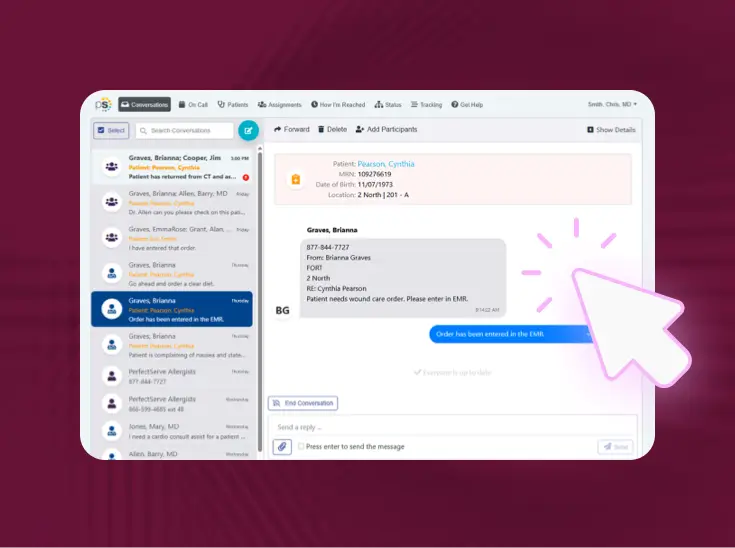
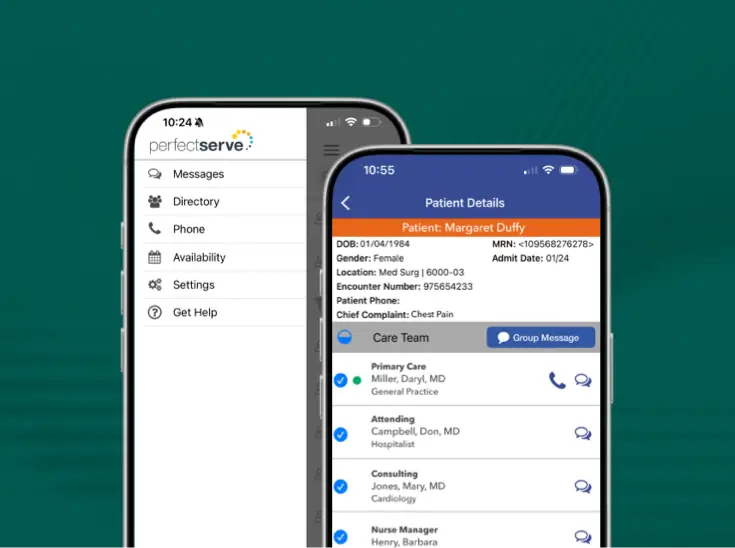
Connect Messaging gives your team one secure, documented message thread with any outside facility, practice, or care partner, with no PerfectServe license required on their end.

One secure connection between your organization and the outside care partners you work with
When your team needs to reach an outside facility, Connect Messaging sends them straight into a documented, HIPAA-compliant thread. No PerfectServe license or app download required, no IT project on their end.

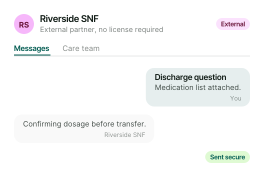
Secure two-way messaging

No license required on their end

Same inbox your team already uses

Dynamic routing

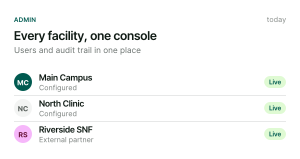
Admin controls

Full audit trail
Built for both sides of the conversation
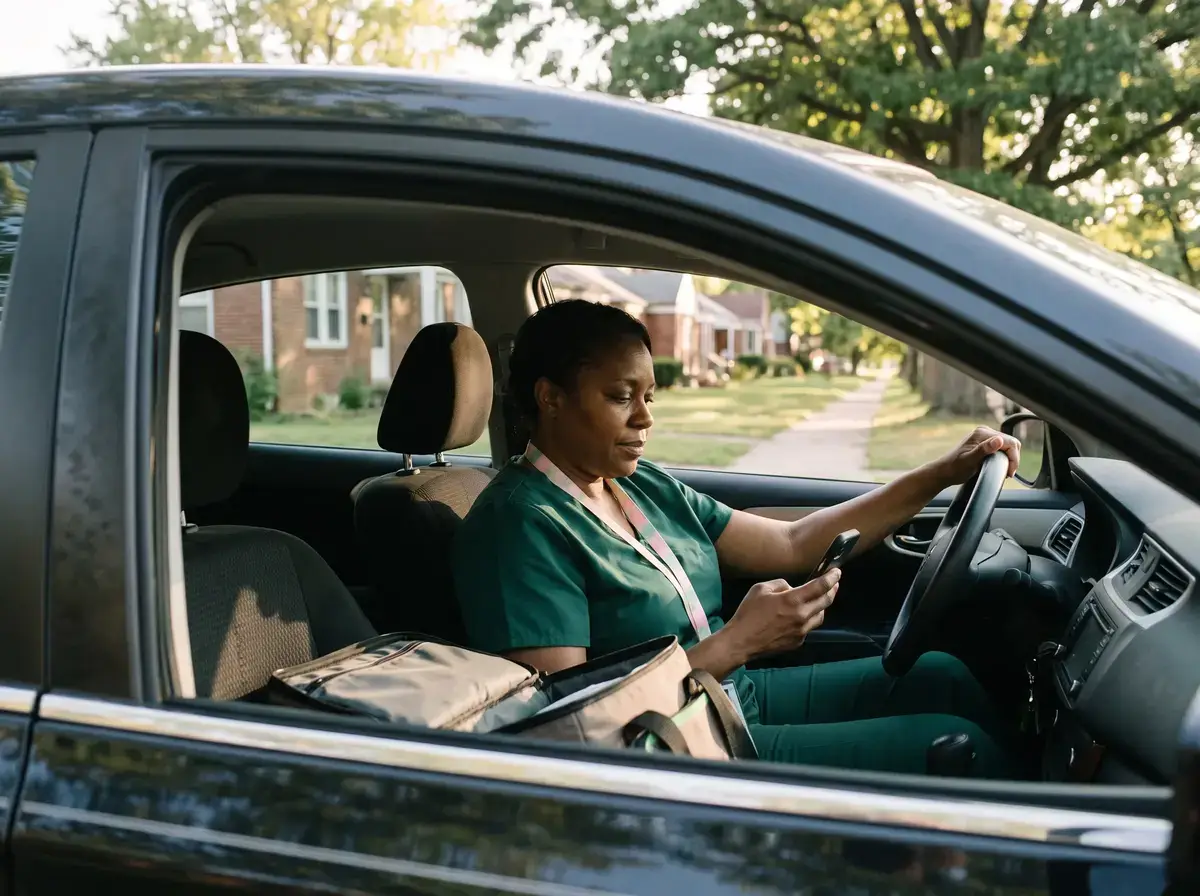
Your team

External care partner
IT and admin leaders

What this replaces

Nothing to install, nothing to manage
Outside care partners self-register in minutes. Your team configures facilities and access through tools you already use. Connect Messaging extends your existing PerfectServe relationship without a complex new deployment.
Questions asked before every demo
How does pricing compare?
Legacy models involve costly hardware purchases, 3–4 year major upgrade cycles, and price increases at renewal. PerfectServe offers transparent, all-inclusive pricing, plus features, enhancements, and upgrades are all included. No custom hardware required.
We've used a legacy switchboard for years. Is switching worth it?
Yes, other long-term customers of legacy platforms have made the move successfully. Munson Healthcare recently went live with PerfectServe after using an older provider. PerfectServe can even replicate the keyboard shortcuts of that provider in our interface at no extra cost, minimizing retraining friction.
How is PerfectServe's customer support different?
PerfectServe provides 24/7/365 white glove support. By comparison, support is often slow and distant with older providers, as they lack the resources to offer the level of support we do.
How does PerfectServe handle integrations compared to other legacy switchboards?
PerfectServe offers 200+ out-of-the-box integrations for your CRM, patient flow systems, clinical directories, EHR, PBX, paging networks, scheduling systems, and more. It connects to your existing tech, with no need for expensive hardware. Legacy platforms require expensive middleware and costly PBX upgrades to achieve comparable connectivity, and in many cases, offer virtually no integration support.
Do legacy switchboards have a cloud offering?
No. Many older models have notable outages and a failed cloud roadmap. PerfectServe's cloud-based platform means you can get rid of hardware and allow agents to work remotely. Everyone is on a single instance, always on the latest version, with no costly upgrade cycles. Also, the quarterly releases and dedicated support team mean you're never left waiting on a vendor that isn't engaged.
What is the difference between Operator Console and other legacy switchboards?
Many switchboards are built on decades-old, on-premises technology with multiple legacy codebases, with slower innovation, more technical debt, and higher maintenance burden for your team. PerfectServe is a modern, cloud-native platform built for today's healthcare communication needs. Its Operator Console has unified search, real-time call monitoring, and two-way messaging for your call center, and uses single-click activation for critical alerts integrated with your EHR and clinical systems.
How do we get started, and what does it cost?
Patient and Family Communication is a feature embedded within the Clinical Collaboration app. Your PerfectServe account representative can walk you through setup, rollout, and pricing for your organization.
Is there a record of patient and family communication?
Yes. Messaging and video reports capture direction, timestamps, sender, recipient, contents, duration, and status. You can filter them by account and date.
What can clinicians send?
Free-text messages or saved templates, plus PDF, JPG, and PNG attachments. Attachments work in both directions, so patients can send files back too.
Can clinicians start a video visit with a patient?
Yes. From the same thread, a clinician can send a video invite or join right away. The patient opens a browser lobby, is prompted to check their mic and camera, and joins. No separate video app is required.
Who is this for?
Any current PerfectServe Clinical Collaboration customer, regardless of care setting, that needs to communicate securely with an outside facility, practice, or care team that doesn't hold a PerfectServe license.
What does it cost?
$40 per facility per month, billed directly to the sponsoring organization. Outside facilities are never billed and never receive an invoice.
Does it work inside our existing PerfectServe inbox?
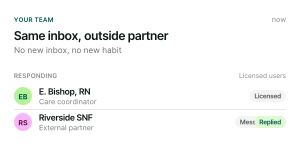
Yes. Messages from outside partners arrive in the same PerfectServe inbox your licensed users already use, with no new application to monitor.
How is patient information protected?
Structured messages, delivery tracking, read receipts, and a full audit trail of messages and sign-in activity support compliance and governance requirements.
What does implementation look like?
Outside partners self-register in minutes using a facility code. Administrators configure facilities and users through existing PerfectServe administration tools. No dedicated IT project is required.
Can any type of organization use this, not just hospitals?
Yes. Any current PerfectServe Clinical Collaboration customer can use Connect Messaging to extend secure communication to outside partners, regardless of care setting.