


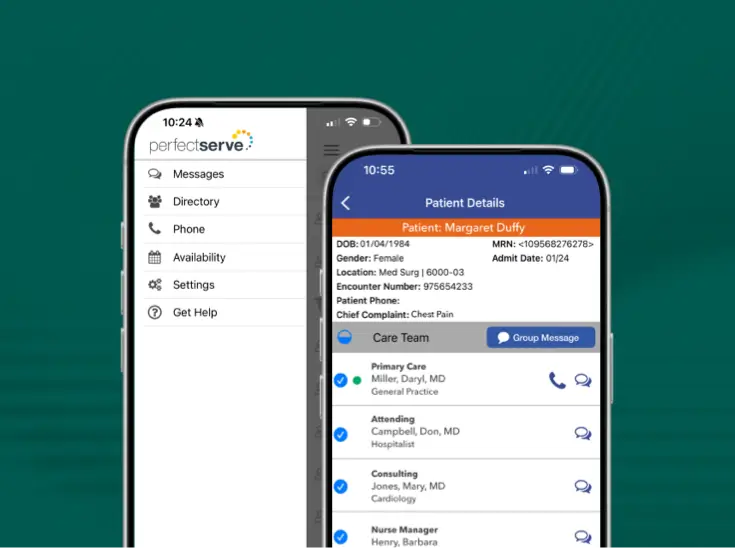
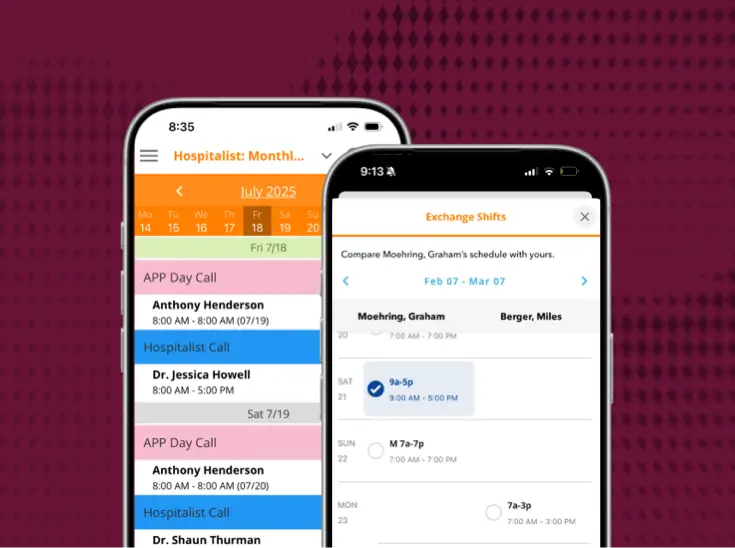

Connecting scheduling and [after-hours calls]
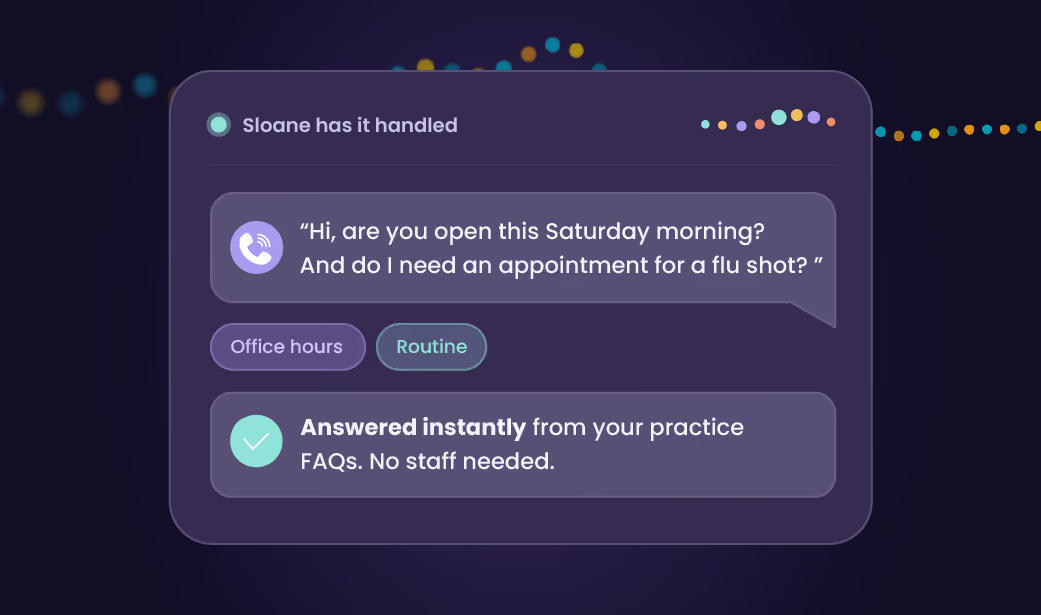
Physician scheduling and call coverage stay connected because they run on 1 schedule, whether your practice covers a handful of after-hours calls a week or runs phones around the clock.

What a practice gets back
Balboa Nephrology implemented PerfectServe to solve complex, multi-dimensional scheduling and communication challenges.


6 things that stop landing on your desk
Here's what changes once scheduling and call routing run off the same source instead of separate systems.
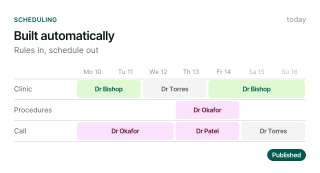
The schedule stops living in your head

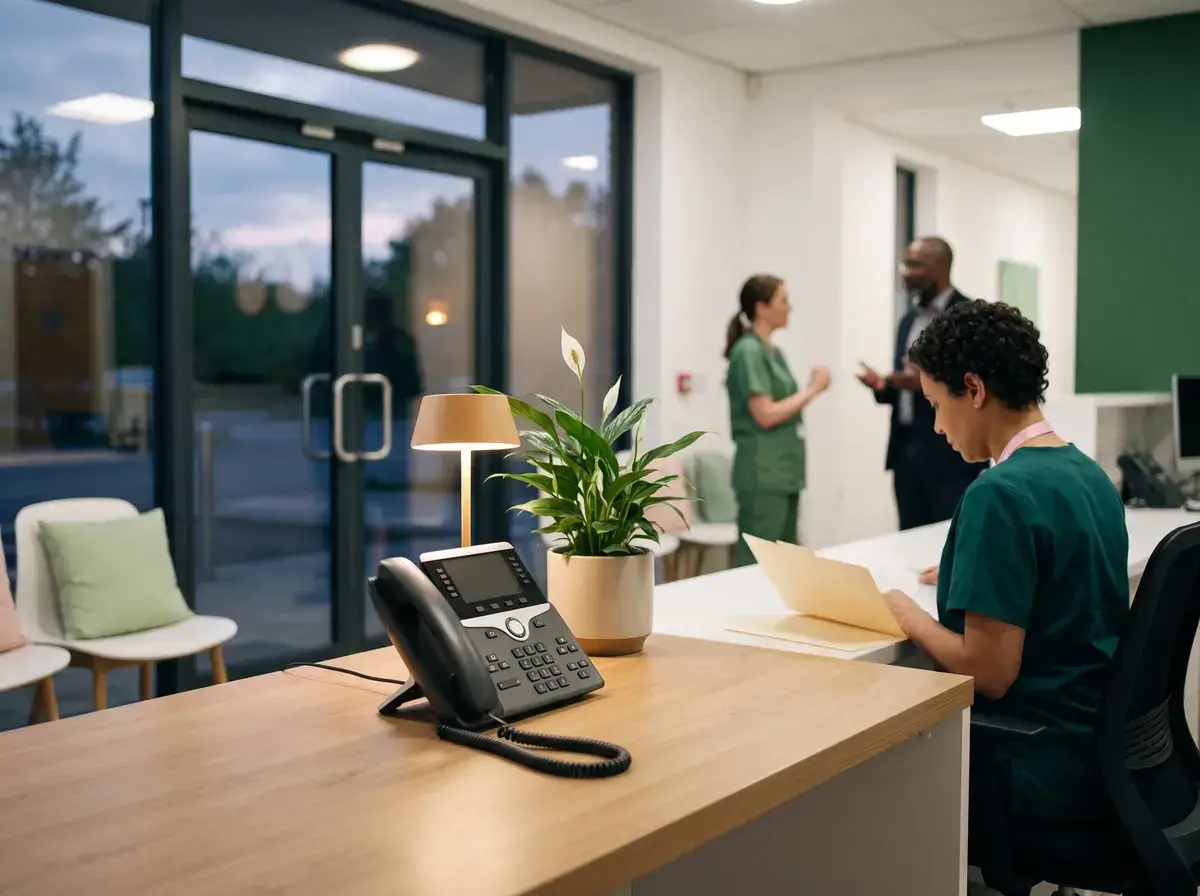
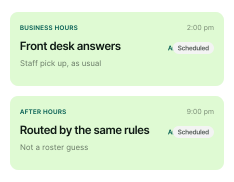
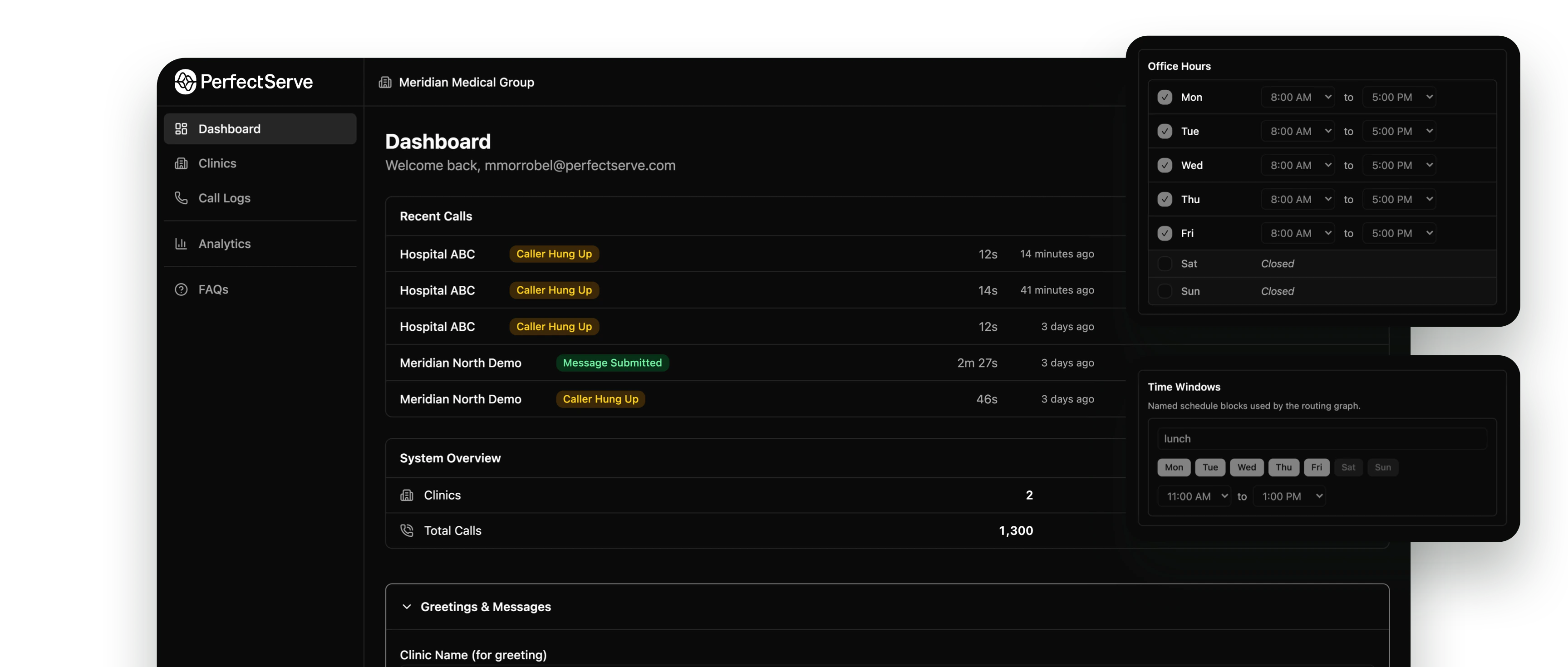
After-hours routing stops depending on who's working the phones
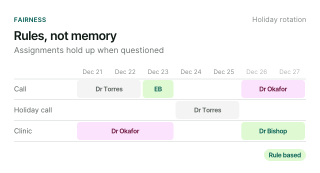
Favoritism complaints stop landing on you

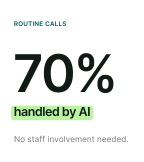
Routine calls stop pulling staff away
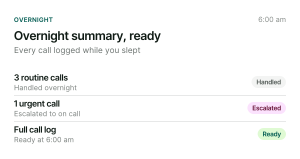
Overnight activity stops being a guessing game

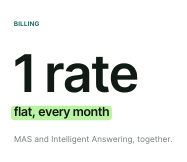
The monthly bill stops being a surprise

Where this lives in the platform
You can feel the impact whether you deploy 1 or all of our solutions.
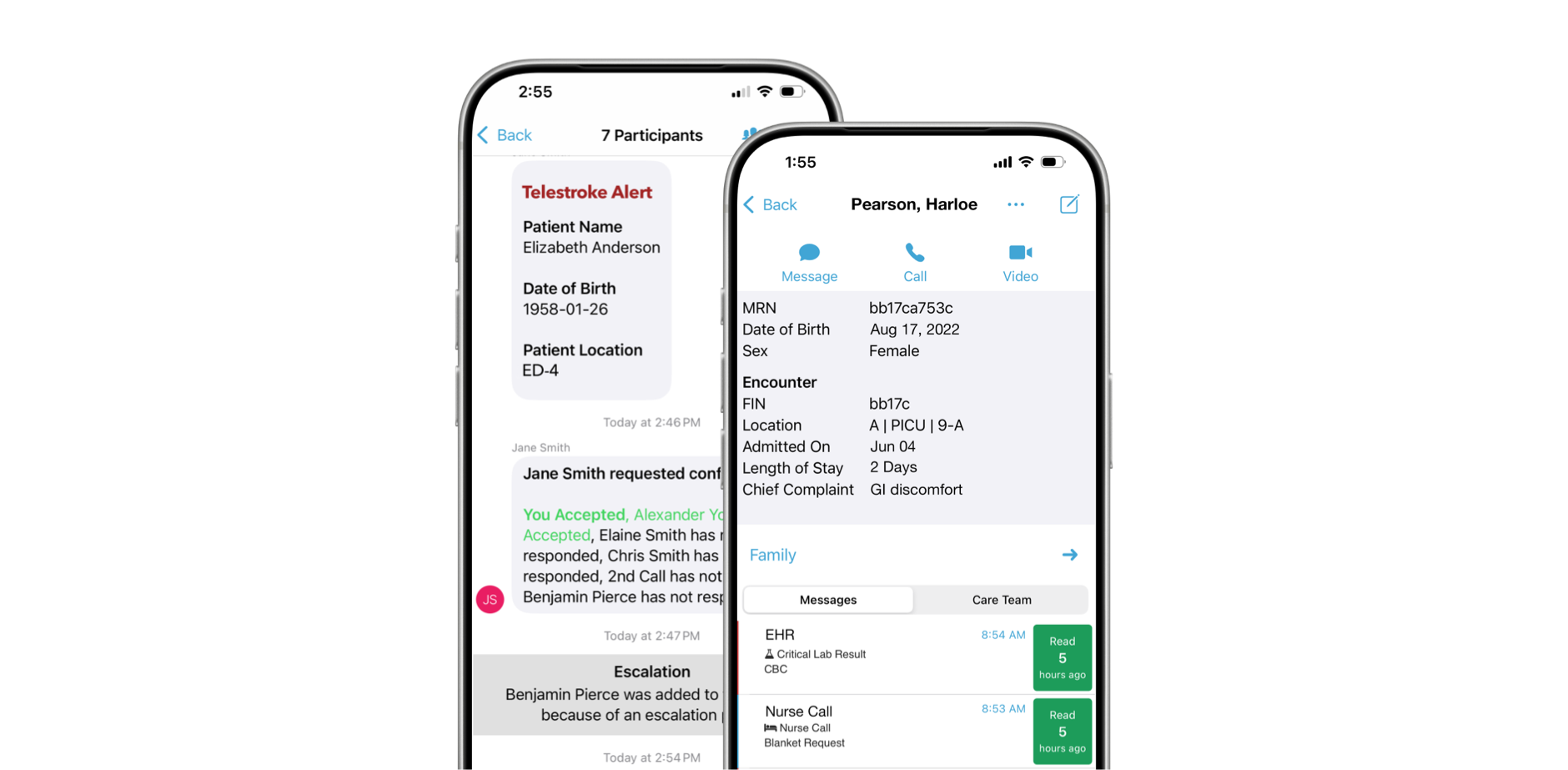
Intelligent Answering powered by ConnectiveIQ

Medical Answering Service
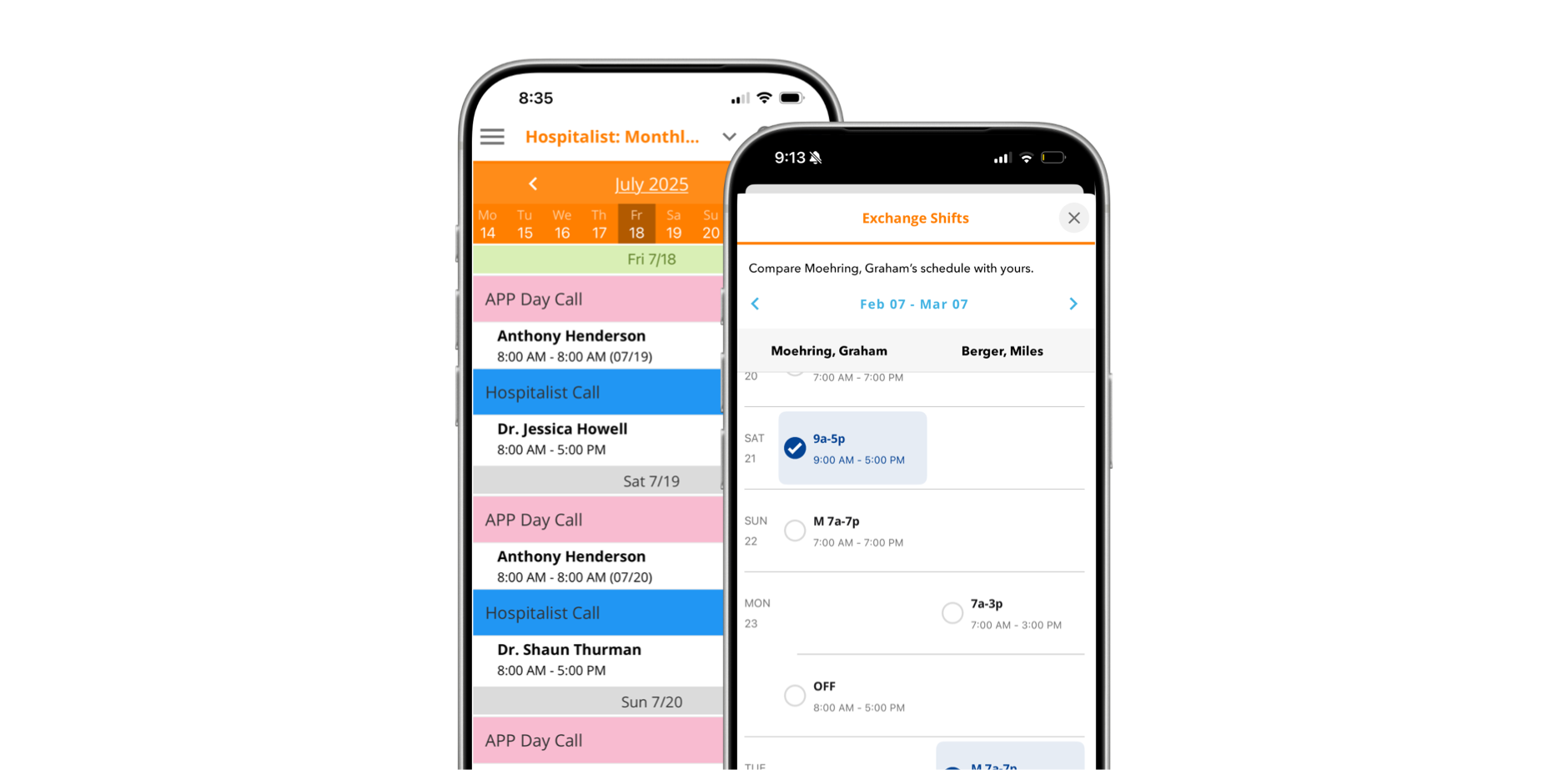
Lightning Bolt Clinical Team Scheduling
It holds up in practices like yours
Practices running real after-hours volume and real multi-site schedules.


PerfectServe gave us a best practice opportunity, because even though we think we’re adhering to best practices, PerfectServe is the expert, and we found that out very quickly as we adopted most, if not all, of their recommendations for changing up our phone systems.
The rollout is built around your practice, not a template
Mapped to how you already run
Close collaborators as we build and test
Support that stays after go-live
What practice managers ask first
What separates PerfectServe from other platforms on the market?
The clearest differentiator is that PerfectServe’s scheduling and communication systems share the same underlying data. When a schedule changes, routing updates automatically. That means no manual intervention, no lag, no staff member chasing down who’s actually on call. Most platforms on the market either scheduling or communication well. PerfectServe is built so the two functions inform each other in real time.
What results have PerfectServe customers seen?
Advocate Good Samaritan Hospital reported a 99% decrease in overhead physician pages, Hospital for Special Surgery cut rapid response times 73% (2:30 → 40 sec), and Munson Healthcare’s 7-hospital system retired 600 pagers (~$120K/yr saved) and cut 56,000 calls over 13 months.
How much does PerfectServe cost?
PerfectServe uses custom pricing based on organization size and the solutions you need, such as clinical communication, scheduling, operator console, or medical answering service. Request a demo for a quote tailored to your environment.
Can PerfectServe replace our pagers?
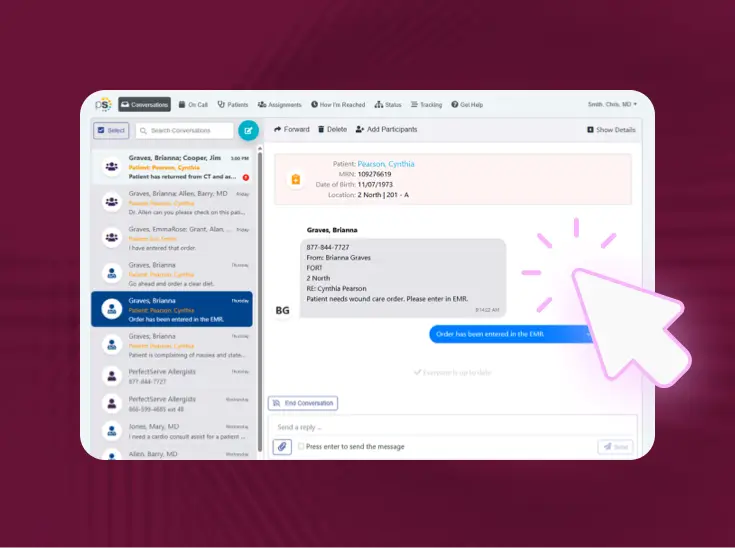
Yes. PerfectServe runs on the devices teams already use (smartphones, desktops, and VoIP phones) and can work alongside legacy pagers during a transition rather than forcing an overnight switch. Organizations commonly use it to retire pager fleets while keeping critical alerts reliable.
Does PerfectServe integrate with our EHR and existing systems?
Yes. PerfectServe integrates with Epic, Oracle Health (Cerner), and 270+ clinical systems, including nurse call and alerting platforms, lab and radiology systems, telephony providers, and pager networks. Messaging can be embedded directly in the EHR, so patient context travels with every on-call message and clinicians don’t switch between applications.
Is clinical communication software only for large hospitals?
No. The best platforms can scale from single-specialty clinics to large health systems. PerfectServe serves both 500+ hospitals and 10,000+ medical practices, using the same routing engine for acute and post-acute care settings.
Is PerfectServe HIPAA-compliant and secure?
Yes. PerfectServe is HIPAA compliant and SOC 2 compliant. Messages are encrypted at rest and in flight, every action is captured in a complete audit trail, and every covered entity receives a signed Business Associate Addendum before going live. See how we make trust and security a priority.
How long does a demo take?
A demo with PerfectServe typically lasts about 20-30 minutes. Schedule one now to see how our solutions can benefit your organization.
Don’t have time? Take a product tour of our solutions.
Do I need a special device to use PerfectServe?
No. PerfectServe works on your legacy devices, smartphones (including both BYOD and shared device models), VoIP and landline phones, desktops, and even pagers. No proprietary devices are required.
What is PerfectServe?
PerfectServe is a leading provider of technology that helps healthcare organizations communicate, coordinate real-time care delivery, and schedule their most valuable assets, including people, rooms, and even equipment. With our clinical communication, physician scheduling, operator console, and medical answering service solutions, we help our customers accelerate speed to care by ensuring the right people are in place at the right time to take action on important information related to patient care.
Do I have to manage three separate vendor relationships to use all of this?
No. Lightning Bolt, Medical Answering Service, and Intelligent Answering are all PerfectServe products, and you have a dedicated team to support you.
We already use Lightning Bolt. Can we add the answering service later without starting over?
Yes. Reach out to your account team or request a demo, and we'll fold whichever product you're adding into your existing setup.
How much of my day does this actually save?
Schedulers using Lightning Bolt have cut schedule-creation time by up to 82%. Practices on Intelligent Answering see 70% of calls resolved with zero staff involvement.
How is this different from just training staff to answer the phone better?
Training doesn't fix a schedule that falls apart the moment coverage changes. Medical Answering Service and Intelligent Answering route calls off your real, current schedule automatically, so the routing stays correct without anyone manually updating anything.

See it running in a practice [like yours]
If you're ready for a platform that supports how practices across every specialty work, let's talk.