





The Top 5 things You Can Do with PerfectServe (Video)
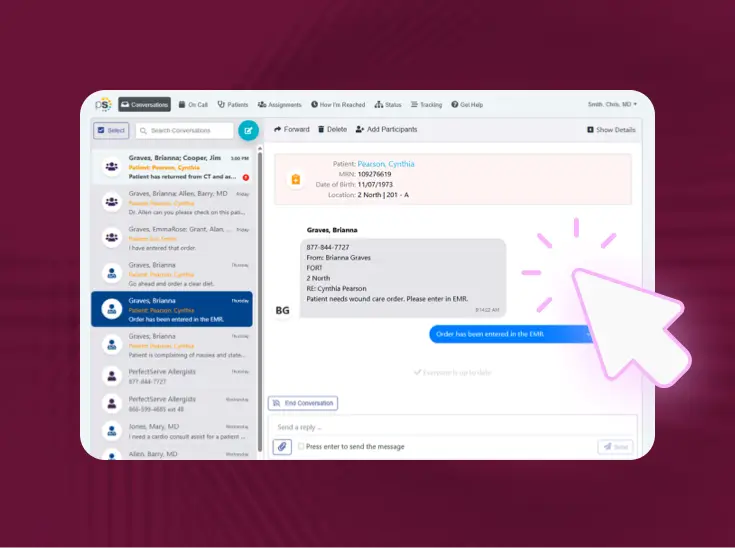
Fast-paced and timely decisions occur every day for nurses and physicians. Clinicians receive an overwhelming amount of communications each day. These decisions directly affect patient transfers, chronic follow-up management, and patient satisfaction outcomes.
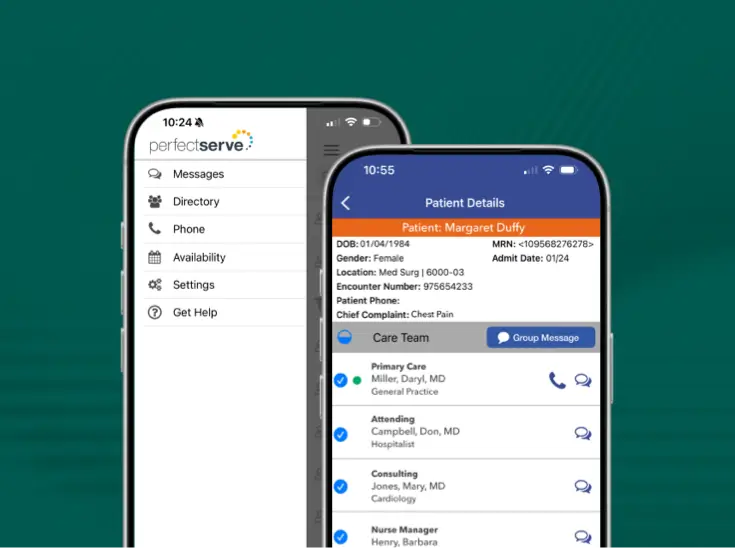
What if there was a way to streamline and consolidate those clinical communications? And make sure you’re contacting the person you need to reach, rather than searching and struggling to find them for relevant medical information?
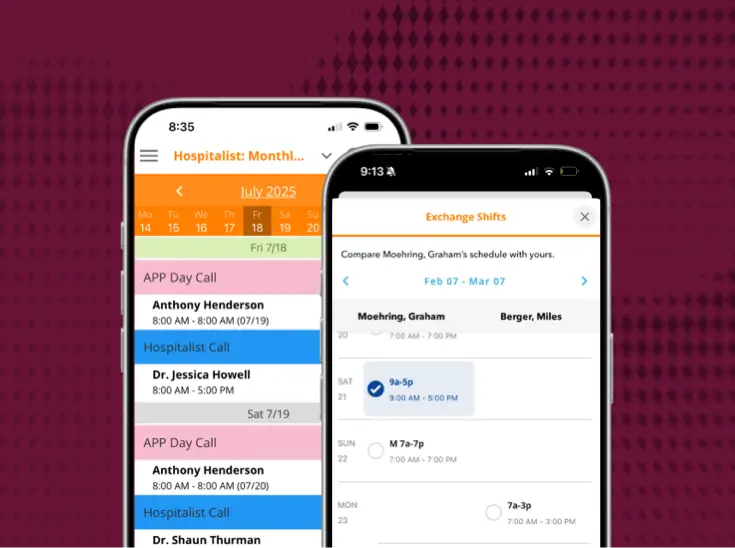
Watch the above video to learn about the top 5 things you can do with PerfectServe.
See it working for real teams






.jpg)





.png)







Bring us the workflow that [hurts most]
We'll show you how it runs on PerfectServe, with your teams, your sites and your EHR.
Calculate your current costs
Put a number on the hours your teams lose each week.
Take a product tour
Click through the platform, no demo required.