



EHR Integration: PerfectServe Messaging for Epic & Oracle Health

What is EHR-embedded messaging?
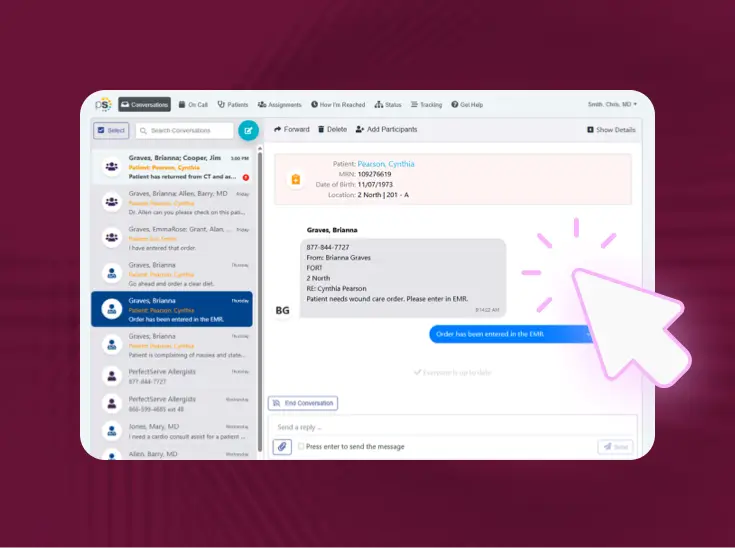
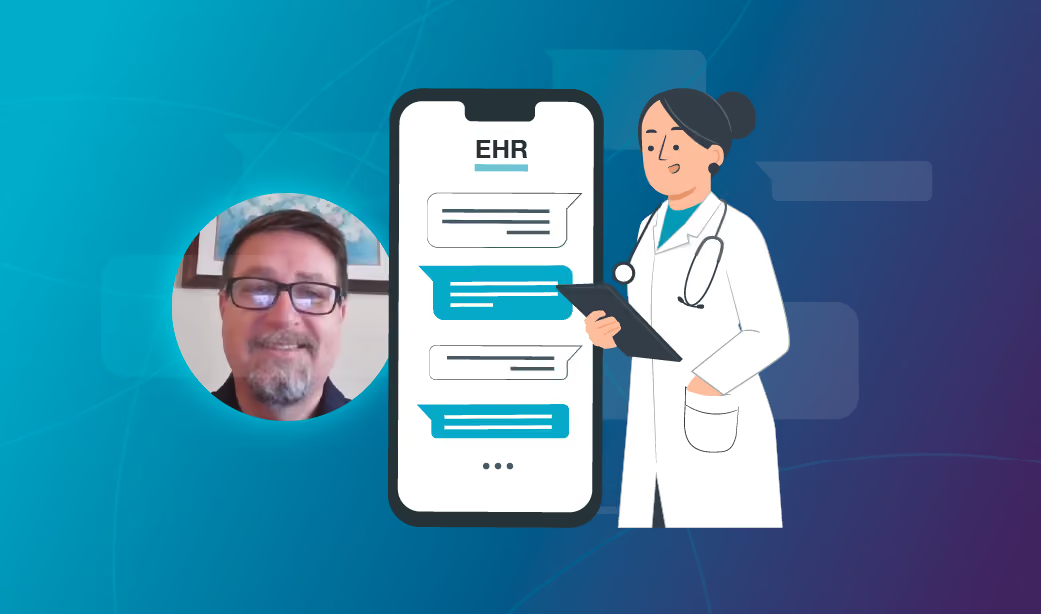
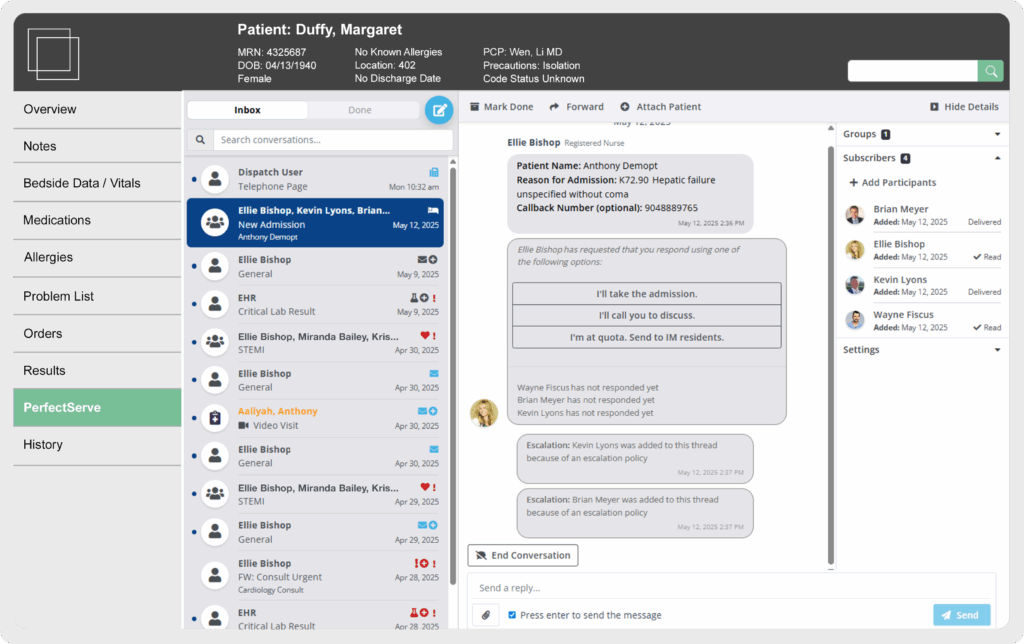
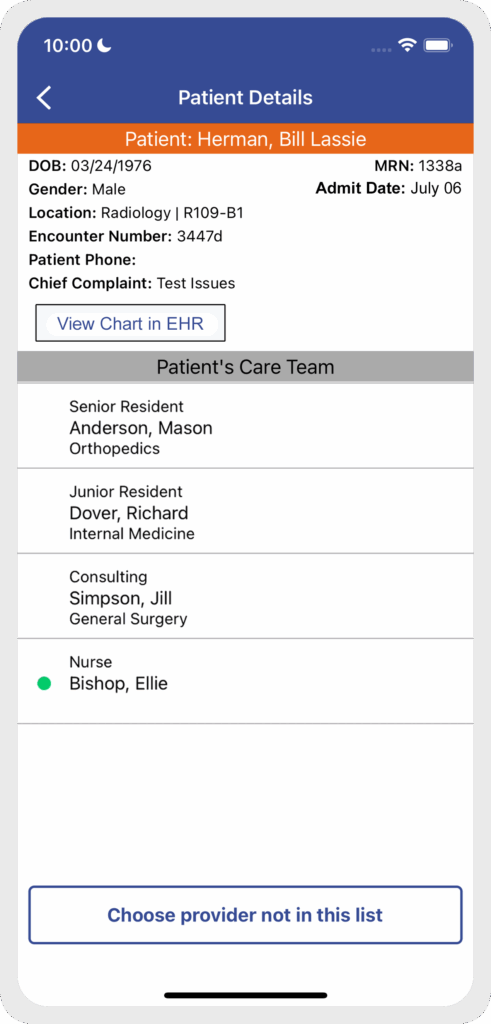
Embedded messaging is a popular feature that integrates secure clinical communication directly within an EHR interface. Rather than switching from the medical record to a separate app for communication, embedded messaging allows clinicians to view and send messages related to a specific patient right from the EHR.
How does embedded messaging work?
Traditional communication workflows require a clinician to exit the EHR to message other care team members. Patient context—name, MRN, room number, diagnosis/chief complaint, etc.—is not automatically pulled into messages with this kind of workflow, so if a provider needs to include it, they have to type it out manually.
This workflow takes time and leaves room for errors and typos, and when you factor in the app switching, it’s just not an efficient way for clinicians to communicate with one another.
With embedded messaging, the workflow becomes much simpler. If a nurse is in the EHR looking at a particular patient and decides, for example, that he needs to message the covering physician about a medication order, he can just flip over to a dedicated messaging tab within the EHR.
Benefits of the embedded messaging integration
How to implement embedded messaging technology
Before implementing embedded messaging technology, it’s important to understand a few details. First, this integration is designed for the desktop EHR experience.
Separate but related functionality called
is available for mobile apps.
These two integrations work in tandem to create a tighter and more harmonious relationship between the patient record and the clinical communication system.
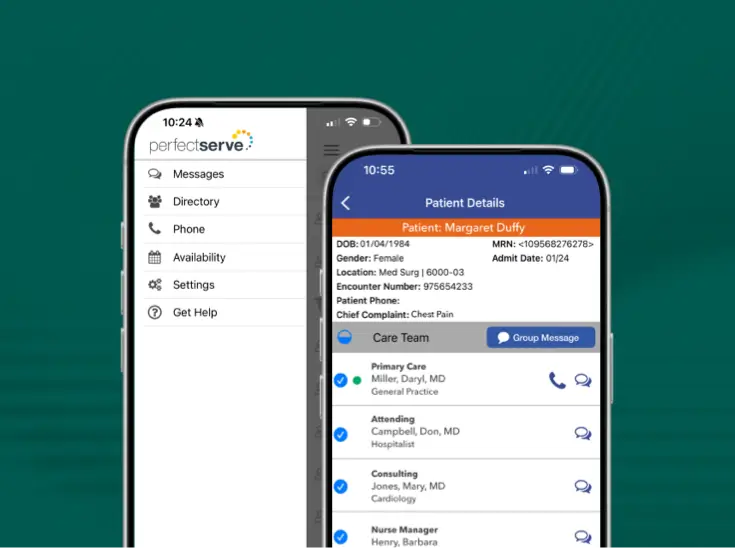
As an example, deep linking allows clinicians using the PerfectServe mobile app to tap an icon in the message thread to launch Epic's Haiku or Rover apps with the patient already in context. This creates a complementary workflow: a nurse can use embedded messaging in the EHR to alert a physician, who then uses deep linking on their mobile device to quickly access the patient chart to place orders, and then return to PerfectServe to notify the nurse.
To get started, a healthcare communication system must first have an HL7 ADT integration in place to feed patient lists to PerfectServe. If the ADT integration is already established, connectivity can typically be shown in a QA environment in about four weeks, with production deployment following in a couple more weeks, Kevin says.
Users must also have their EHR user name configured in PerfectServe to allow for accurate linking of accounts between the two systems.
Experience embedded messaging today
PerfectServe's embedded messaging is a powerful integration that streamlines clinical communication directly within the EHR. It saves time, boosts productivity, and enhances clinician morale. To learn a bit more about this popular integration, check out the PDF below.
See it working for real teams




.jpg)


.png)



Bring us the workflow that [hurts most]
We'll show you how it runs on PerfectServe, with your teams, your sites and your EHR.