





Amion Review vs PerfectServe: How the Two Scheduling Tools Compare
Amion vs. PerfectServe in physician scheduling. See how the two tools stack up on speed, features, and results.

This Amion review vs PerfectServe comparison starts with the core problem: Amion tells clinicians who is on call. It does not get the message to them. There is no built-in routing. There is no automatic escalation. When an alert goes unanswered, someone has to track it down by hand. ¹
Amion handles scheduling well. Templates and automated rules save schedulers hours. ² Flat-rate pricing across the Pro, Enterprise, and Residency plans keeps costs predictable. ¹ But Amion admits its own schedules need manual fine-tuning. ³ The platform also struggles once teams grow past 80 providers. ⁴ Staff counts turn inaccurate. App crashes and interface complaints pile up. ⁵
PerfectServe’s Lightning Bolt Scheduling closes that gap. It competes head-to-head with Amion for provider scheduling. It runs on the same platform as PerfectServe's clinical communication suite. Organizations using Lightning Bolt reach on-call physicians 88% faster.⁶ Every message reaches the right clinician automatically, and unanswered alerts escalate without anyone chasing them. Communication stays inside the EHR.
The sections ahead break each of these claims down one by one, starting with the part where the two platforms actually compete: scheduling.
Amion: Pros and Cons

Pros
- Saves Scheduling Time: Templates and automated rules cut multi-hour scheduling tasks to minutes. Schedulers publish call rosters with just a few clicks. Repeating patterns run on autopilot once you set the rules. ²
- Flat-Rate Pricing: Amion offers three plans: Pro, Enterprise, and Residency. Pricing is set per schedule or group, not per user, so there are no per-seat charges. ¹
- Works on Web, Mobile, and Desktop: Clinicians can check schedules from a browser, the mobile app, or a desktop client. ¹
- Fast, Self-Serve Setup: Pro and Residency plans are built for self-serve setup; enterprise gets a dedicated implementation team. ¹
- Residency Block Scheduling: Amion supports block scheduling for residency programmes, with a dedicated residency plan. ¹˒⁷
- Real-Time On-Call Visibility: Schedule changes are reflected for all staff. ⁸
Cons
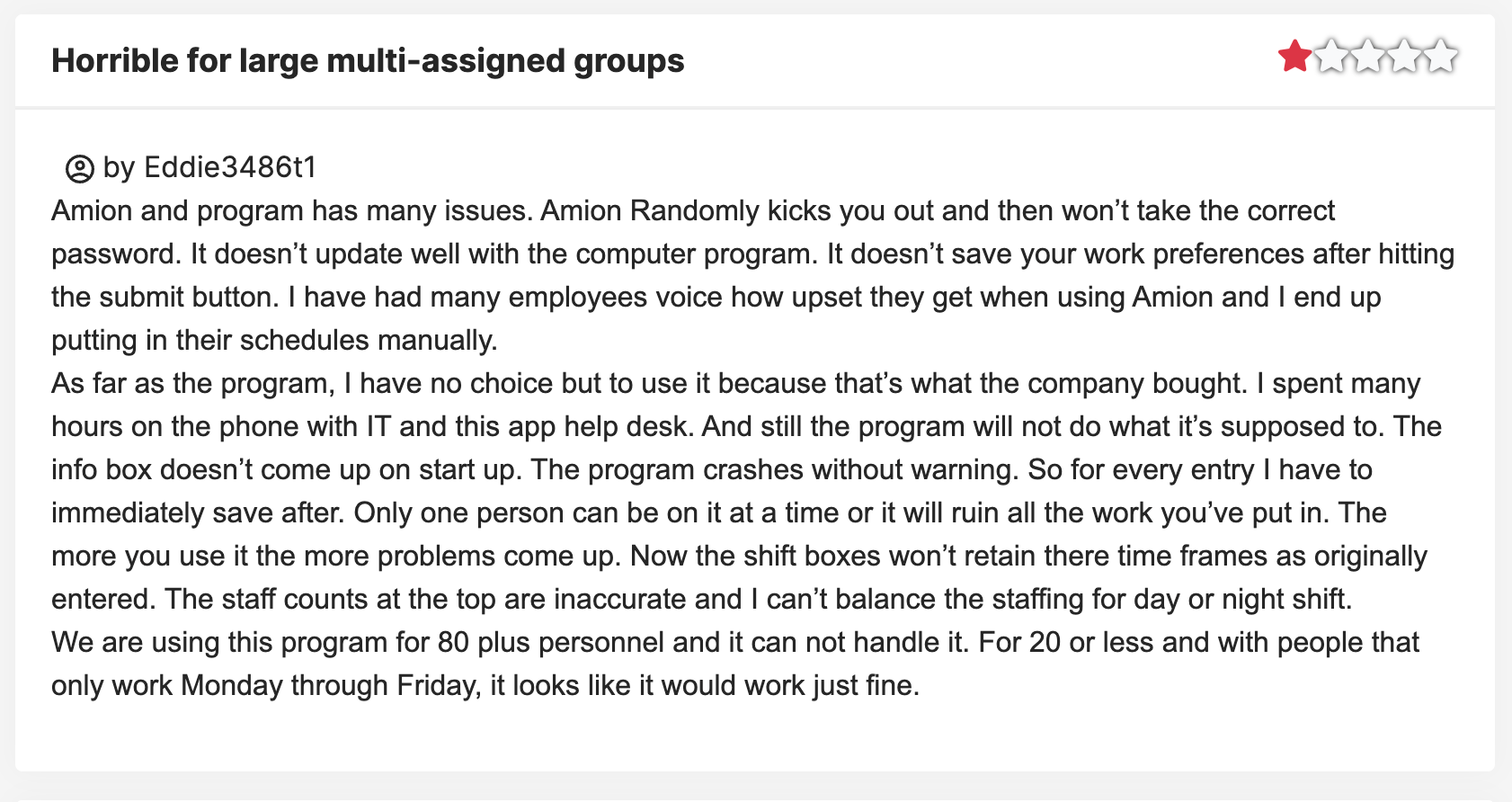
- App Crashes and Bugs: Random logouts, schedule load failures, and post-update bugs show up consistently in user reviews. ⁵
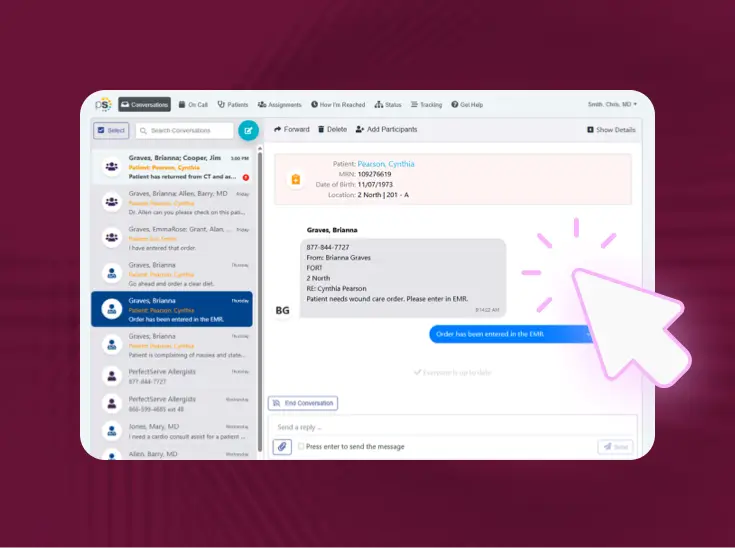
- No Auto-Escalation: Amion does not include built-in message escalation or any intelligent message routing. Unanswered messages have no automatic fallback system, so someone has to follow up manually every time a message goes ignored. ¹
- Breaks Down at Scale: Teams of 80+ providers have reported inaccurate staff counts and scheduling errors. ⁴
- Interface and Layout Complaints: Multiple user reviews flag navigation and layout issues, particularly after recent app updates. ⁵˒⁴
Why PerfectServe Is Better for Physician Scheduling

Here is what makes it the stronger choice for scheduling teams:
- AI-optimized scheduling: Most scheduling tools digitize manual work or auto-fill open slots. Lightning Bolt uses an AI-enabled process that evaluates thousands of possible schedules. It picks the single best one, weighing staff availability, skill sets, and shift preferences together instead of settling for the first complete version.⁹
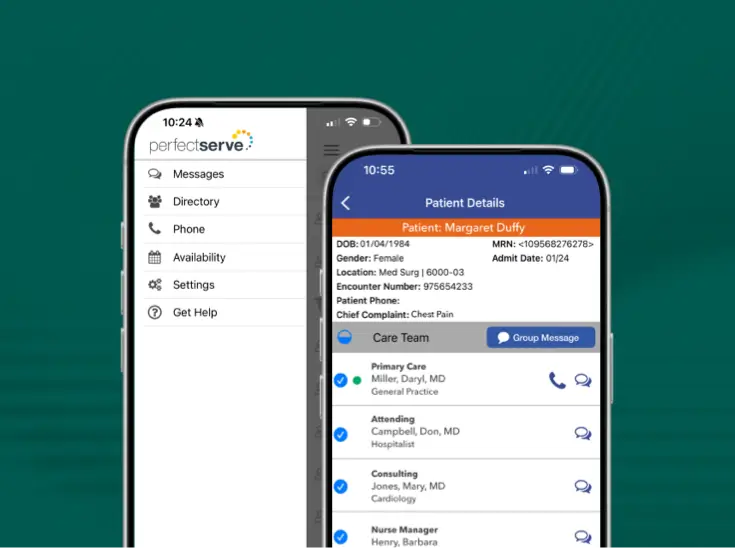
- A true single source of truth: One schedule acts as the single source of truth for who is on call and working in what role. Role-based routing finds the right person to send every message to and updates in real time.
- Custom rules that reflect how a department actually works: Rules and priority levels can be shaped around a group's specific requirements and individual provider preferences instead of forcing every team into the same template. ⁹ A 60-physician radiology group used this flexibility to expand its interventional radiology service line to five full days a week. It opened up more revenue and patient access without sacrificing work-life balance. ¹⁰
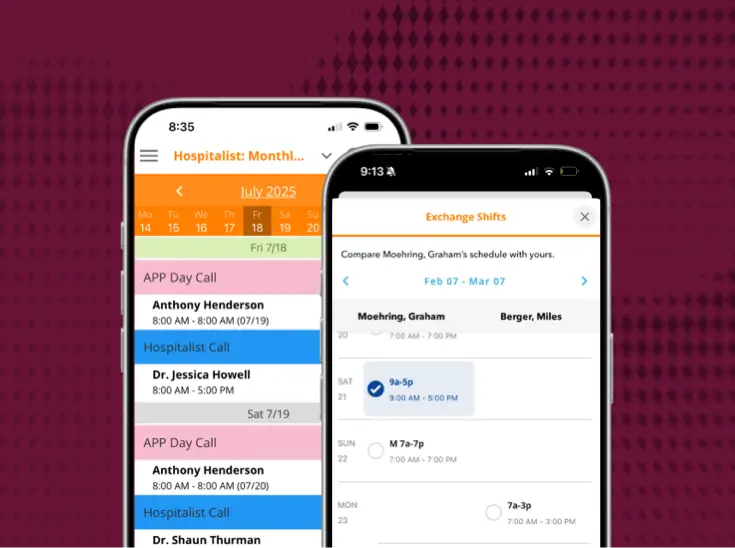
- Flexible shift swaps, not day-by-day manual work: Providers can get coverage from a specific colleague or offer a shift to multiple team members at once. The change is updated in real time. ⁹
- Data and analytics included: Automated reports track PTO, assignments, availability, and changes with privacy controls. Leaders can make staffing decisions based on accurate data. ⁹
- Scales for any size organization: Lightning Bolt’s algorithm works for small physician groups and national health systems alike. It also extends beyond physician scheduling into OR case assignment and exam room scheduling. ⁹
- Deep integrations that keep the schedule connected: Lightning Bolt connects to EHRs, payroll systems, and many other integrations. It integrates directly into PerfectServe's clinical communication tool, and because it runs on the same platform, a schedule change reaches the right person without a separate sync step. ⁹
- Best in KLAS recognition Amion does not hold: Lightning Bolt has been named Best in KLAS in physician scheduling for the last 3 years, and 5 years overall. No comparable scheduling-only tool has matched that distinction. ¹³
- Proven, measurable results: Beebe Healthcare cut schedule creation time by 50% after switching to PerfectServe. ¹⁴ AnMed's pediatric hospitalist group reduced schedule building from 12 hours to just 5 minutes. ¹¹ Ochsner Health's anesthesia department saw physician satisfaction rise nearly 30% within six months of switching. ¹²
A schedule is not finished when every slot is filled. It is finished when it still works a month later, under actual staffing changes.
Amion vs. Perfectserve: Feature Comparison
Here is how Amion's and PerfectServe's Lighting Bolt Scheduling stack up, side by side.
| Features | Amion (Doximity) | PerfectServe |
|---|---|---|
| Software Type | Physician on-call scheduling platform | Physician and staff scheduling platform |
| Scheduling Engine | Templates, automated rules1 | AI-enabled scheduling algorithm |
| Schedule Refinement | Manual fine-tuning needed3 | Auto-generates optimized schedules9 |
| Custom Rules | Rule-based templates1 | Custom rules and priority levels9 |
| Shift Swaps | Supported1 | Automated and customizable swap option9 |
| Real-Time Visibility | Fast schedule updates8 | Real-time schedule sync9 |
| Mobile Access | Web, mobile, desktop1 | Mobile app for schedule management9 |
| Setup | Self-serve, fast go-live1 | Dedicated implementation team with years of training and success9 |
| Scale | Reports of issues past 80 providers4 | Scales to the size of any health system9 |
| Data and Analytics | Not detailed1 | Automated PTO and assignment reports, Other customizable reports available9 |
| Residency/Block Scheduling | Dedicated residency plan7 | Customizable for residency programs and other unique department needs9 |
| Pricing Model | Flat-rate, per schedule/group1 | Custom-quoted, per-seat pricing9 |
| KLAS Recognition (Scheduling) | No Best in KLAS distinction found13 | Best in KLAS, physician scheduling, 5 times over13 |
| Best For | Small- to mid-size teams and basic scheduling1 | From health systems of any size with complex scheduling needs9 |
The Comparison Does Not End at Scheduling
Amion builds a schedule. PerfectServe's Lighting Bolt Scheduling builds a better one. That comparison is settled. But a published schedule only answers one question: who is on call. It says nothing about whether that person actually gets the message, whether an unanswered page ever gets a second chance, or whether the conversation happens inside the patient's chart or three tabs away from it.
This is where the Amion vs. PerfectServe comparison stops being about scheduling and turns into the single source of truth. PerfectServe was never just a scheduling tool wearing a clinical communication feature. Scheduling and clinical communication run on the same platform, so the moment a shift changes, the routing changes with it. No sync delay. No second system to check.
Pick PerfectServe for the schdule alone, and e comparison already favors it. Pick PerfectServe as a whole, and the schedule stops being the finish line. Request your demo and see the difference.
See it working for real teams






.jpg)





.png)






Bring us the workflow that [hurts most]
We'll show you how it runs on PerfectServe, with your teams, your sites and your EHR.