


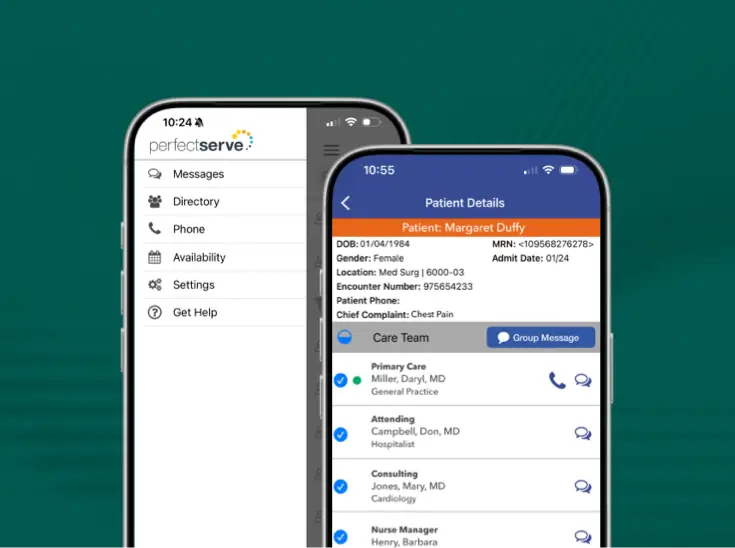
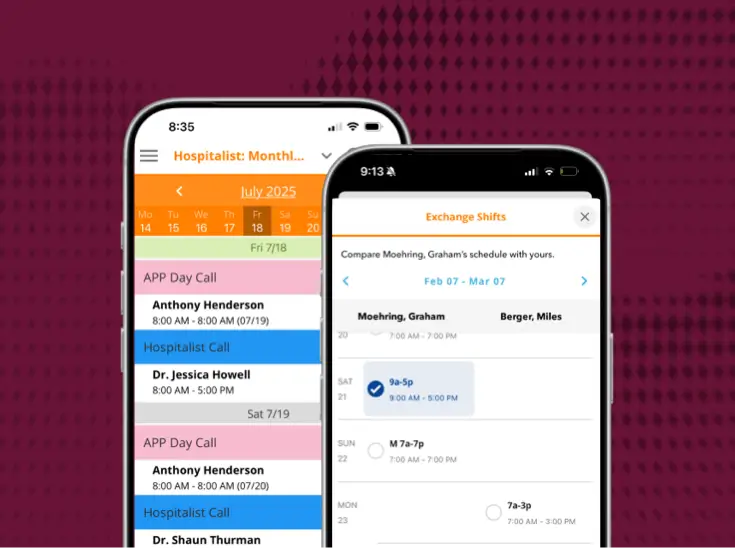
Connect with patients on the same platform [used by the care team]
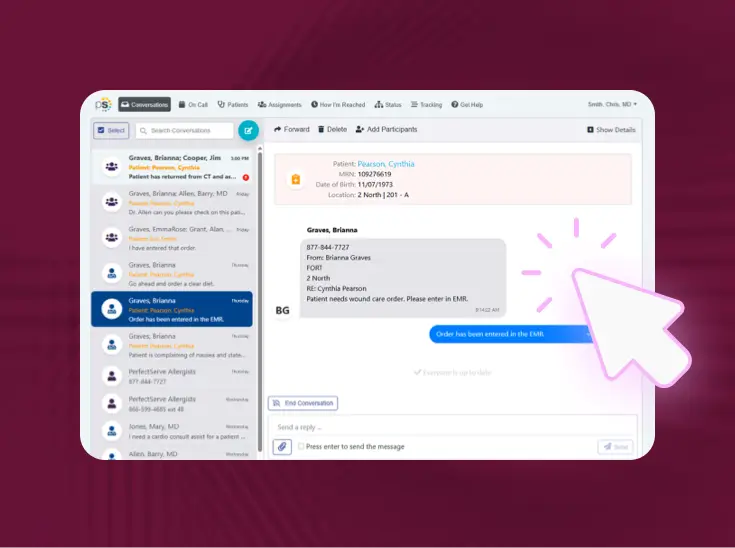
Patient and Family Communication enables care team members using Clinical Collaboration to contact patients and their loved ones in real time without requiring a new app or login.

Bring patient communication into the same inbox you use for real-time care coordination
When a member of the care team needs to touch base with a patient or an approved family member or caregiver, Patient and Family Communication enables quick outreach via text and video. Recipients just need a phone with a browser that can receive text messages.



Why integrated patient communication is an effective upgrade
Before
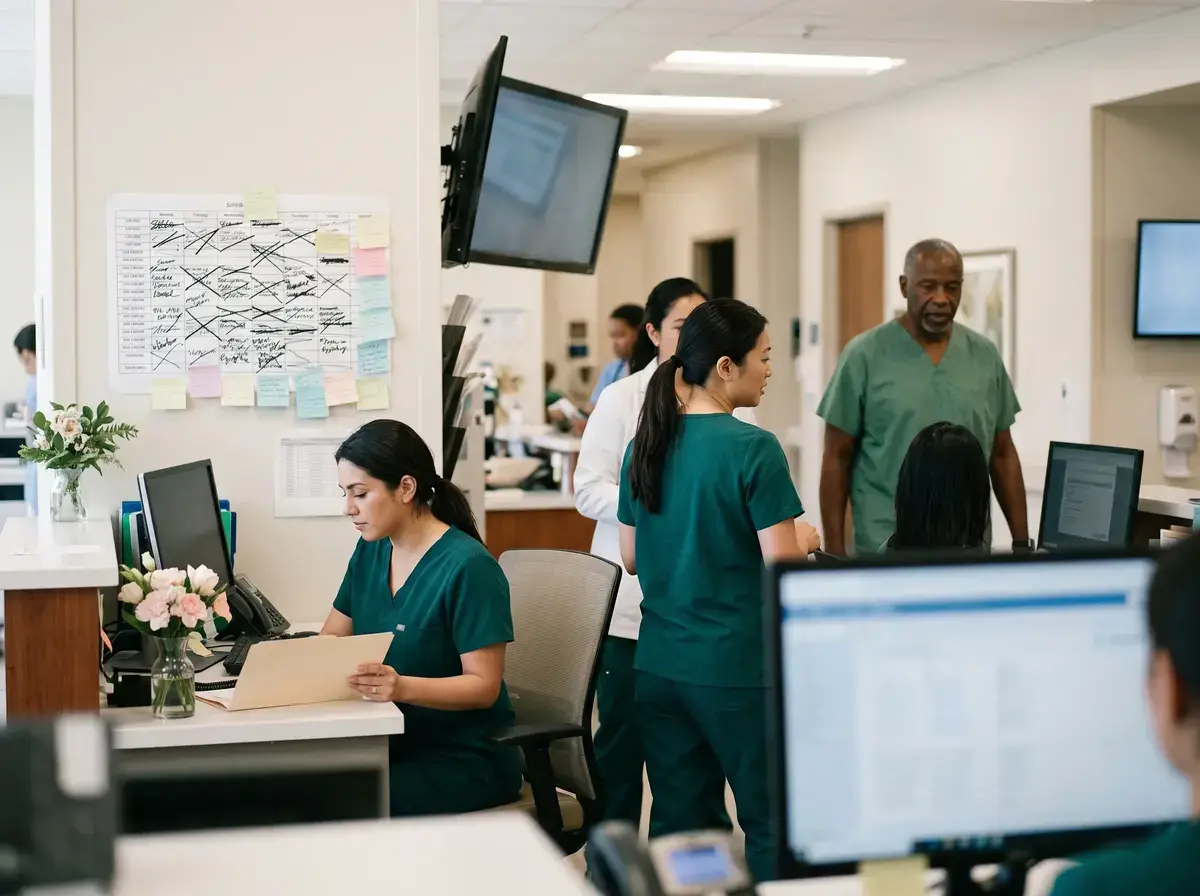
- For many hospitals and health systems, outreach to patients looks like ad hoc phone calls, messages sent through the EHR vendor’s patient portal, or some other app-based communication.
- These methods are either siloed and hard to track, or they require both the patient and clinician to have one more app with one more set of login credentials.

After
- For clinicians, Patient and Family Communication is a natural extension of the same Clinical Collaboration inbox they already use to communicate with other members of the care team.
- For patients and their families, it enables quick, secure contact for surgery updates, post-discharge wellness checks, and more.
- It’s all facilitated by one of the world’s most accessible communication methods: text messages.
Patient and Family Communication increases capture rate for in-house pharmacy by 65%
What this replaces

Questions asked before every demo
How do we get started, and what does it cost?
Patient and Family Communication is a feature embedded within the Clinical Collaboration app. Your PerfectServe account representative can walk you through setup, rollout, and pricing for your organization.
Is there a record of patient and family communication?
Yes. Messaging and video reports capture direction, timestamps, sender, recipient, contents, duration, and status. You can filter them by account and date.
What can clinicians send?
Free-text messages or saved templates, plus PDF, JPG, and PNG attachments. Attachments work in both directions, so patients can send files back too.
Can clinicians start a video visit with a patient?
Yes. From the same thread, a clinician can send a video invite or join right away. The patient opens a browser lobby, is prompted to check their mic and camera, and joins. No separate video app is required.
Can family members or caregivers join the conversation?
Yes. A family member, loved one, or caregiver can be added to the patient’s thread. They’re verified against the patient’s date of birth, so everyone is in the same conversation instead of calling the nurse station for updates.
How are patients verified?
On first contact, thepatient verifies their identity with their date of birth and sets a PIN. Afterthat, they use the PIN to read and reply to messages in their browser.
Do patients or family members need to download an app or create an account?
No. Patients receive a text message and use a browser on their phone. There’s nothing to install and no portal account to create.
How do we get started, and what does it cost?
Patient and Family Communication is a feature embedded within the Clinical Collaboration app. Your PerfectServe account representative can walk you through setup, rollout, and pricing for your organization.
Is there a record of patient and family communication?
Yes. Messaging and video reports capture direction, timestamps, sender, recipient, contents, duration, and status. You can filter them by account and date.
What can clinicians send?
Free-text messages or saved templates, plus PDF, JPG, and PNG attachments. Attachments work in both directions, so patients can send files back too.
Can clinicians start a video visit with a patient?
Yes. From the same thread, a clinician can send a video invite or join right away. The patient opens a browser lobby, is prompted to check their mic and camera, and joins. No separate video app is required.
Can family members or caregivers join the conversation?
Yes. A family member, loved one, or caregiver can be added to the patient’s thread. They’re verified against the patient’s date of birth, so everyone is in the same conversation instead of calling the nurse station for updates.
How are patients verified?
On first contact, thepatient verifies their identity with their date of birth and sets a PIN. Afterthat, they use the PIN to read and reply to messages in their browser.
Do patients or family members need to download an app or create an account?
No. Patients receive a text message and use a browser on their phone. There’s nothing to install and no portal account to create.