




Communicating [with outside facilities] has never been easier
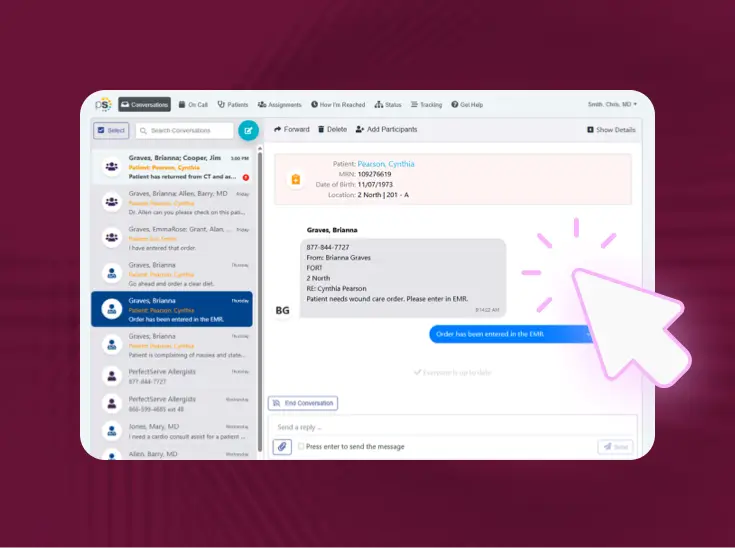
Connect Messaging gives your team one secure, documented message thread with any outside facility, practice, or care partner, with no PerfectServe license required on their end.

One secure connection between your organization and the outside care partners you work with
When your team needs to reach an outside facility, Connect Messaging sends them straight into a documented, HIPAA-compliant thread. No PerfectServe license or app download required, no IT project on their end.

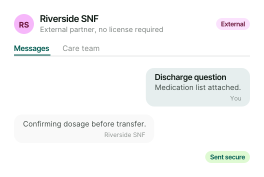
Secure two-way messaging

No license required on their end

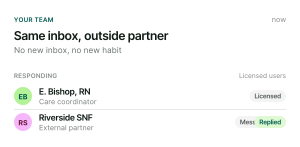
Same inbox your team already uses

Dynamic routing

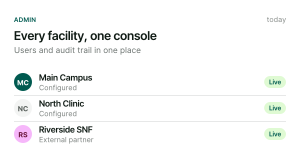
Admin controls

Full audit trail
Built for both sides of the conversation
Your licensed team

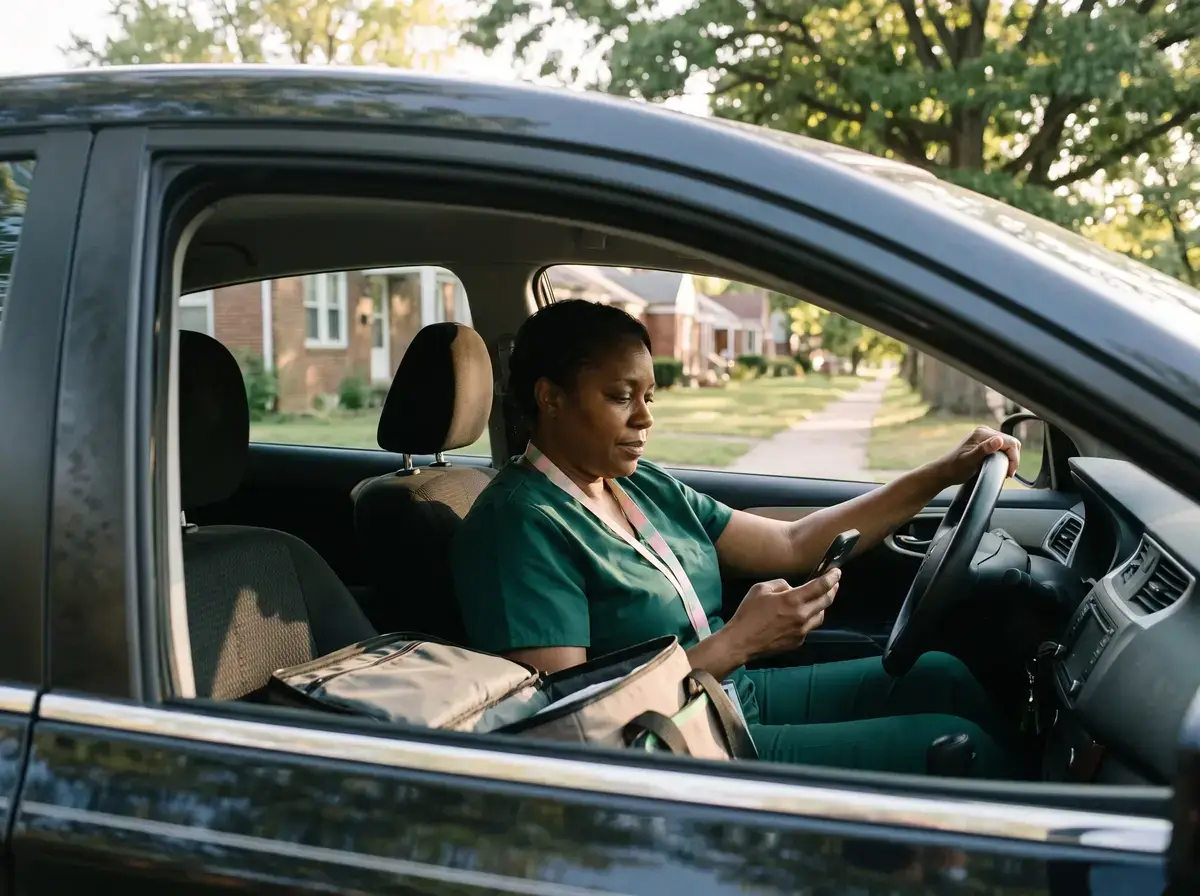
External care partner
IT and admin leaders

What this replaces

Nothing to install, nothing to manage
Outside care partners self-register in minutes. Your team configures facilities and access through tools you already use. Connect Messaging extends your existing PerfectServe relationship without a complex new deployment.
Questions asked before every demo
How do we get started, and what does it cost?
Patient and Family Communication is a feature embedded within the Clinical Collaboration app. Your PerfectServe account representative can walk you through setup, rollout, and pricing for your organization.
Is there a record of patient and family communication?
Yes. Messaging and video reports capture direction, timestamps, sender, recipient, contents, duration, and status. You can filter them by account and date.
What can clinicians send?
Free-text messages or saved templates, plus PDF, JPG, and PNG attachments. Attachments work in both directions, so patients can send files back too.
Can clinicians start a video visit with a patient?
Yes. From the same thread, a clinician can send a video invite or join right away. The patient opens a browser lobby, is prompted to check their mic and camera, and joins. No separate video app is required.
Can family members or caregivers join the conversation?
Yes. A family member, loved one, or caregiver can be added to the patient’s thread. They’re verified against the patient’s date of birth, so everyone is in the same conversation instead of calling the nurse station for updates.
How are patients verified?
On first contact, thepatient verifies their identity with their date of birth and sets a PIN. Afterthat, they use the PIN to read and reply to messages in their browser.
Do patients or family members need to download an app or create an account?
No. Patients receive a text message and use a browser on their phone. There’s nothing to install and no portal account to create.
What does Lightning Bolt customer support look like?
TPMG has a team of Lightning Bolt consultants and customer success resources dedicated to their success and available to help with schedules, refining rules, establishing integrations. We also offer 24/7/365 support via our Help Desk.
Does Lightning Bolt integrate with ClinConnect?
Yes, Lightning Bolt integrates seamlessly with Clinician Connect to provide on-call schedule visibility across regions and specialties.
How does PerfectServe Operator Console compare with Spok and Amtelco?
Read our full comparison here.
Who is this for?
Any current PerfectServe Clinical Collaboration customer, regardless of care setting, that needs to communicate securely with an outside facility, practice, or care team that doesn't hold a PerfectServe license.
Does the outside facility need to buy a PerfectServe license?
No. Outside partners register with a facility code and access Connect Messaging through a browser. No license, app download, or software deployment required.
What does it cost?
$40 per facility per month, billed directly to the sponsoring organization. Outside facilities are never billed and never receive an invoice.
Does it work inside our existing PerfectServe inbox?
Yes. Messages from outside partners arrive in the same PerfectServe inbox your licensed users already use, with no new application to monitor.
How is patient information protected?
Structured messages, delivery tracking, read receipts, and a full audit trail of messages and sign-in activity support compliance and governance requirements.
What does implementation look like?
Outside partners self-register in minutes using a facility code. Administrators configure facilities and users through existing PerfectServe administration tools. No dedicated IT project is required.
Can any type of organization use this, not just hospitals?
Yes. Any current PerfectServe Clinical Collaboration customer can use Connect Messaging to extend secure communication to outside partners, regardless of care setting.