





Clinical Team Scheduling
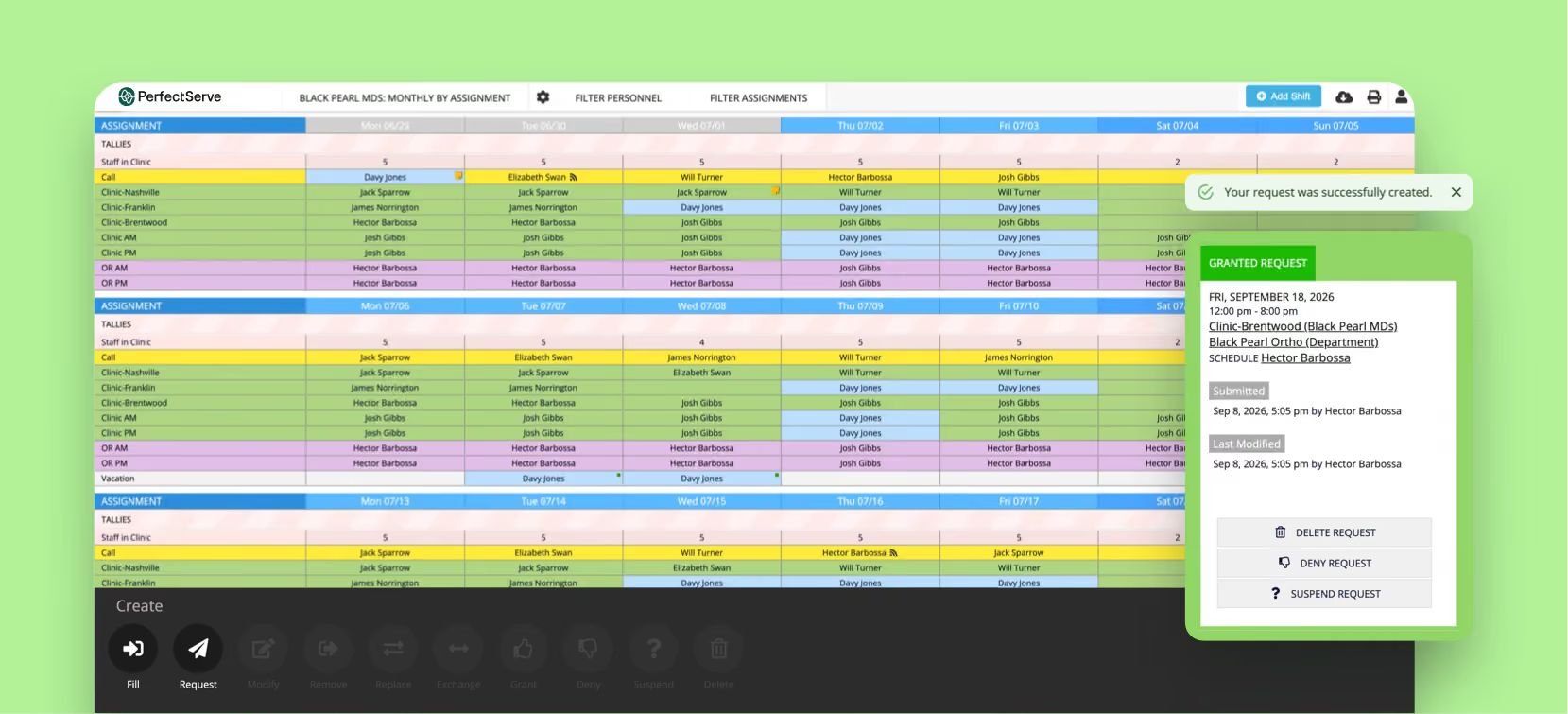
Building a schedule means balancing staffing requirements, provider preferences and coverage rules that all change constantly. This tour shows schedulers working in one workspace: viewing monthly schedules, reviewing open coverage requests, approving or modifying pending changes, adding shifts by provider, location, date and time, and filtering by provider, assignment type, role or coverage group. Personnel tallies keep clinic hours and call coverage visible, and an optimized schedule is generated from the rules the team defines.
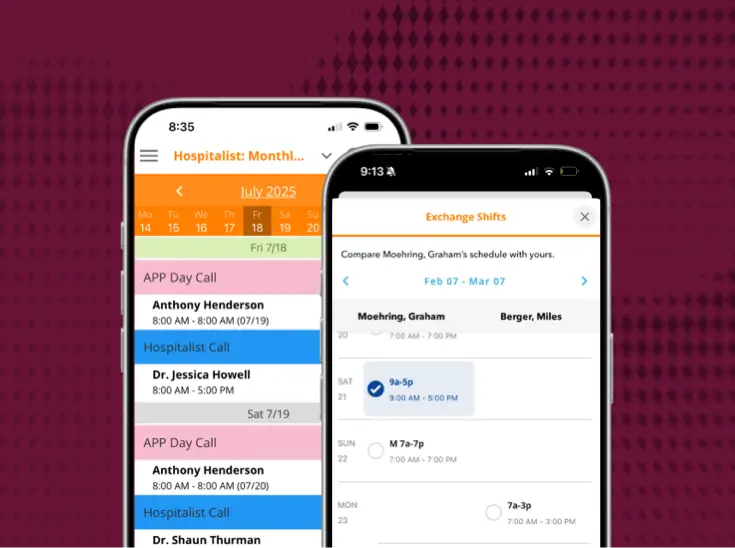
The mobile app extends the same schedule everywhere. Providers browse daily, weekly and monthly views, save favorite searches, create coverage requests from templates, exchange or split shifts, respond to requests and track pending changes, so self service handles the churn that used to land on the scheduler.

Bring us the workflow that [hurts most]
We'll show you how it runs on PerfectServe, with your teams, your sites and your EHR.