




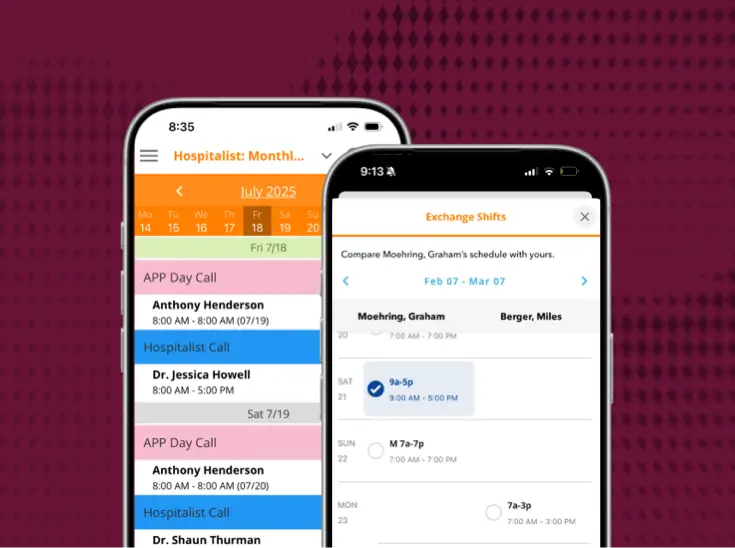

[One platform] for clinical communication, physician scheduling, and your operator console
Most health systems run these 3 functions in separate systems that don't talk to each other. PerfectServe runs them on 1, so a schedule change automatically updates message routing and call center transfers at the same time.

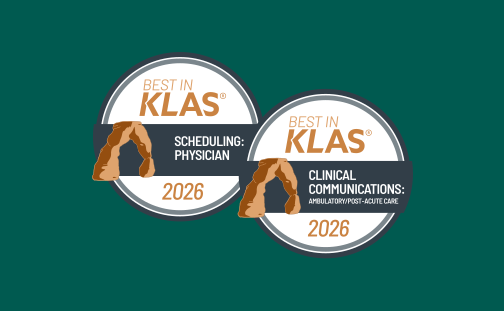
2026 Best in KLAS

2026 Gartner® Magic Quadrant™
What changes for the care team


Built for the complexity of the building
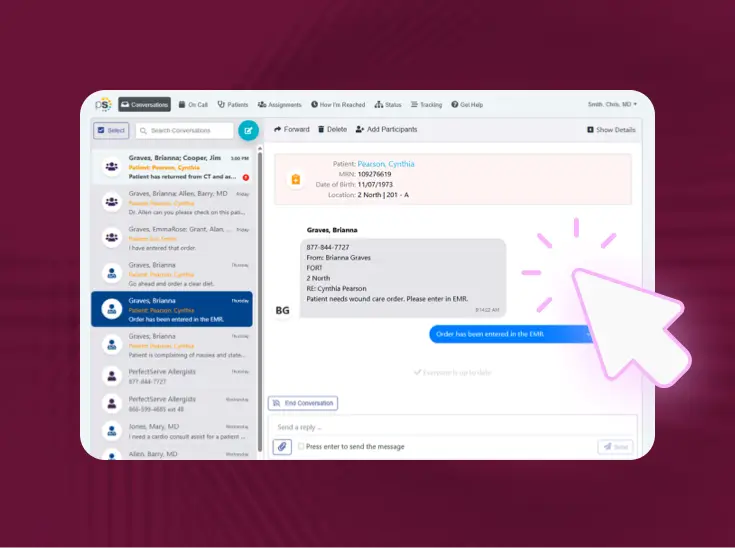
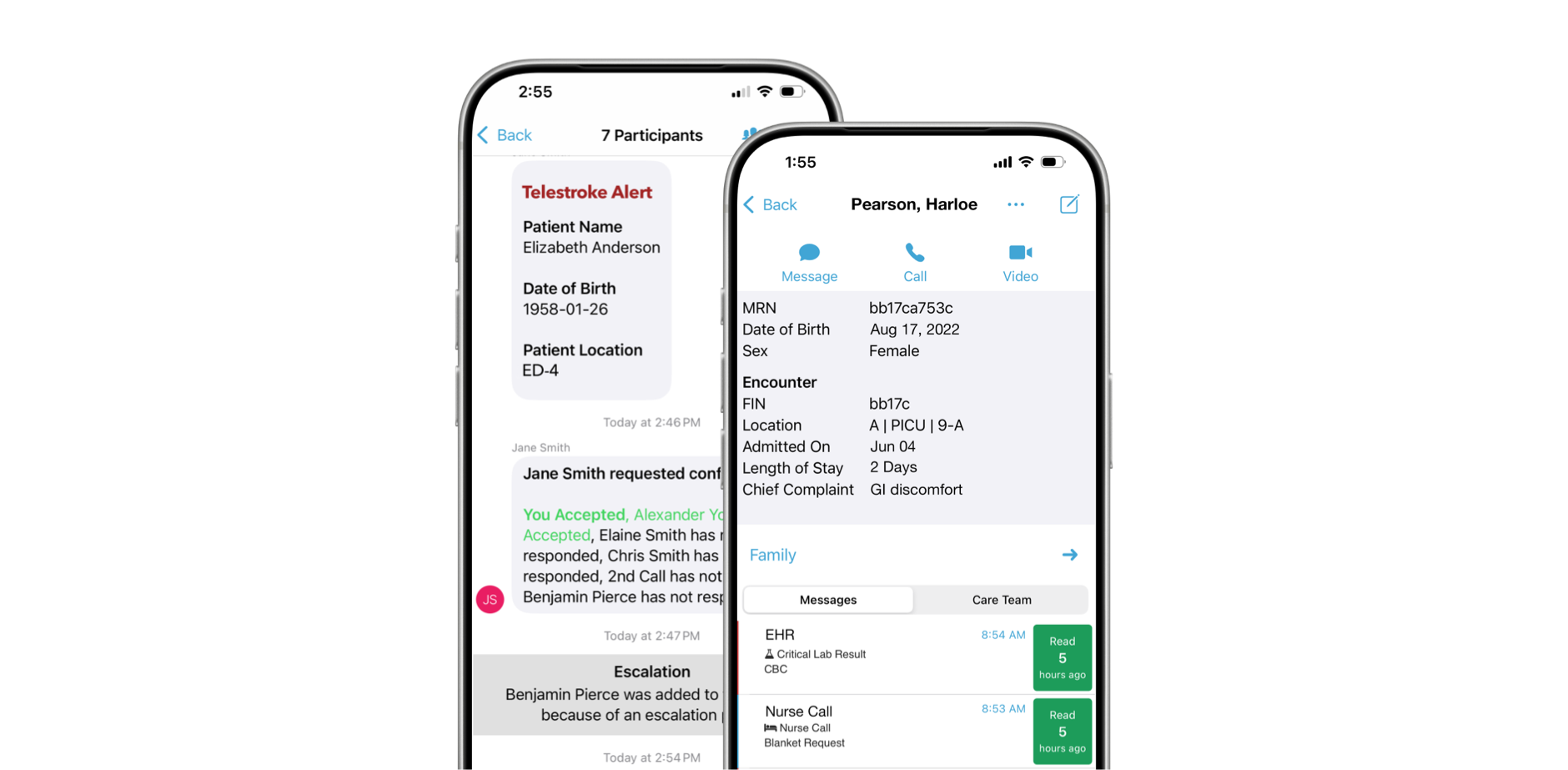
Clinical Communication & Collaboration

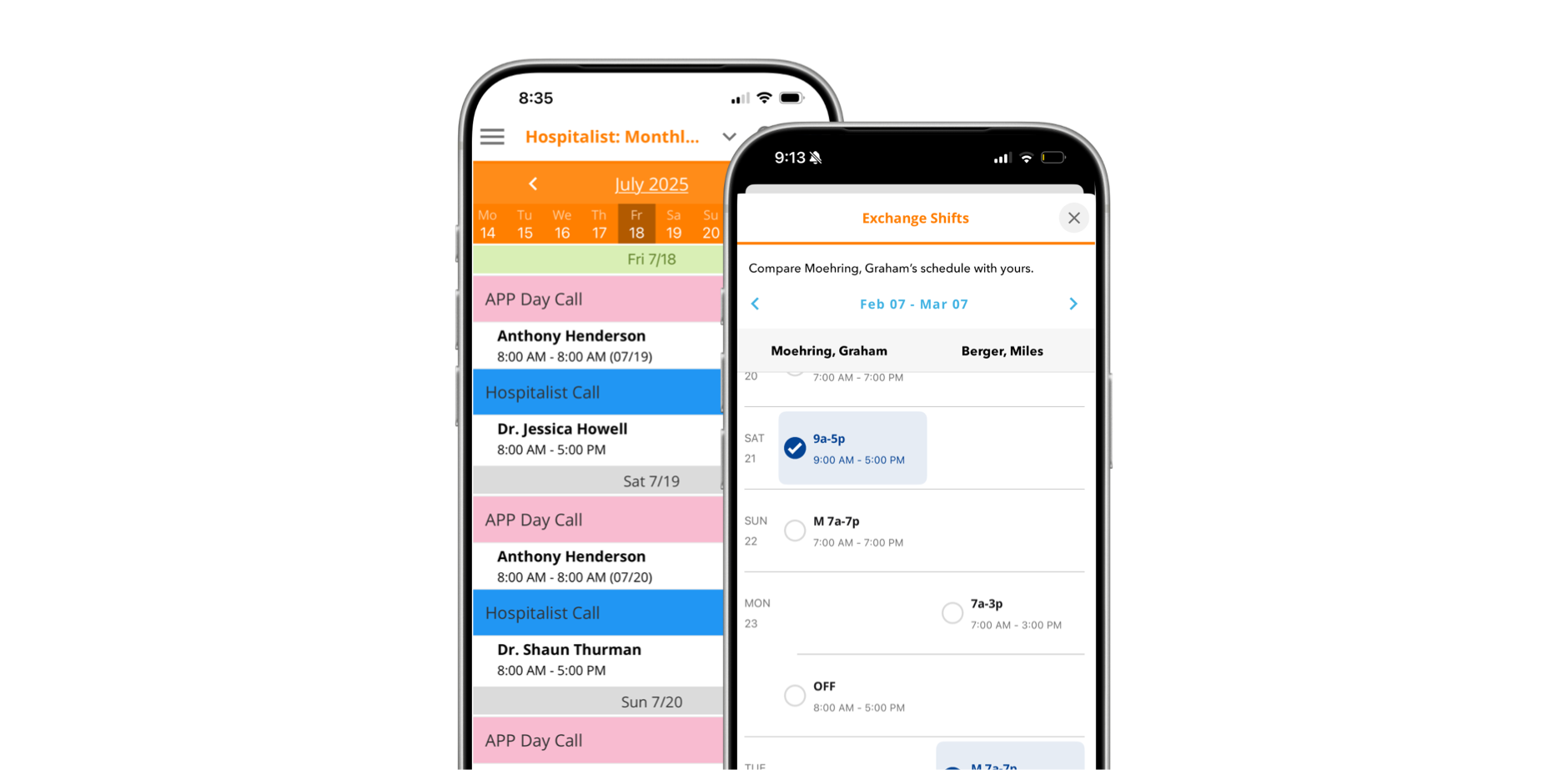
Lightning Bolt Clinical Team Scheduling
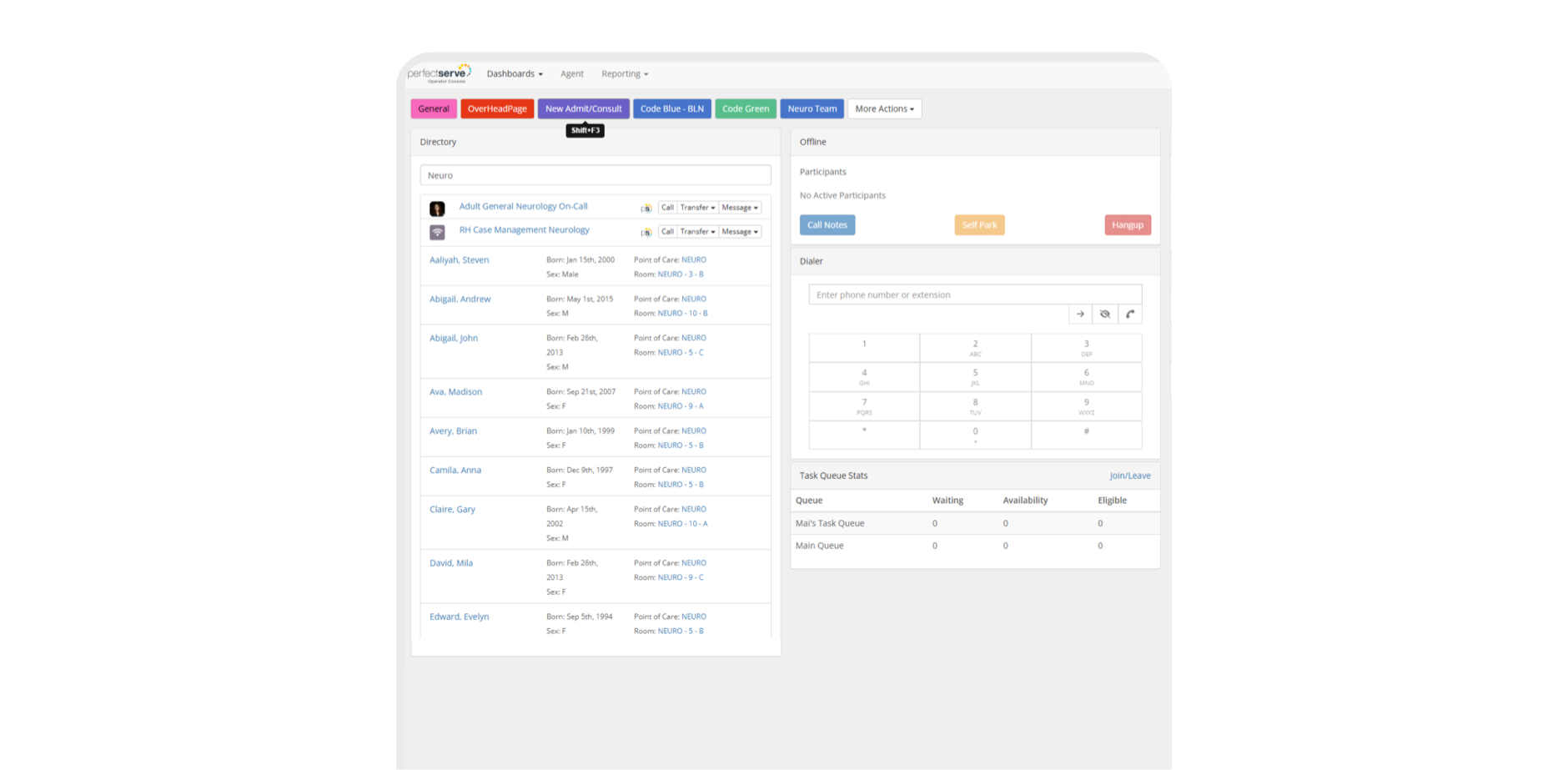
Operator Console
Patient & Family Communication

Find your workflow

Built for everyone in the building


Set up around your systems, not a script



What health system leaders ask first
What separates PerfectServe from other platforms on the market?
The clearest differentiator is that PerfectServe’s scheduling and communication systems share the same underlying data. When a schedule changes, routing updates automatically. That means no manual intervention, no lag, no staff member chasing down who’s actually on call. Most platforms on the market either scheduling or communication well. PerfectServe is built so the two functions inform each other in real time.
What results have PerfectServe customers seen?
Advocate Good Samaritan Hospital reported a 99% decrease in overhead physician pages, Hospital for Special Surgery cut rapid response times 73% (2:30 → 40 sec), and Munson Healthcare’s 7-hospital system retired 600 pagers (~$120K/yr saved) and cut 56,000 calls over 13 months.
How much does PerfectServe cost?
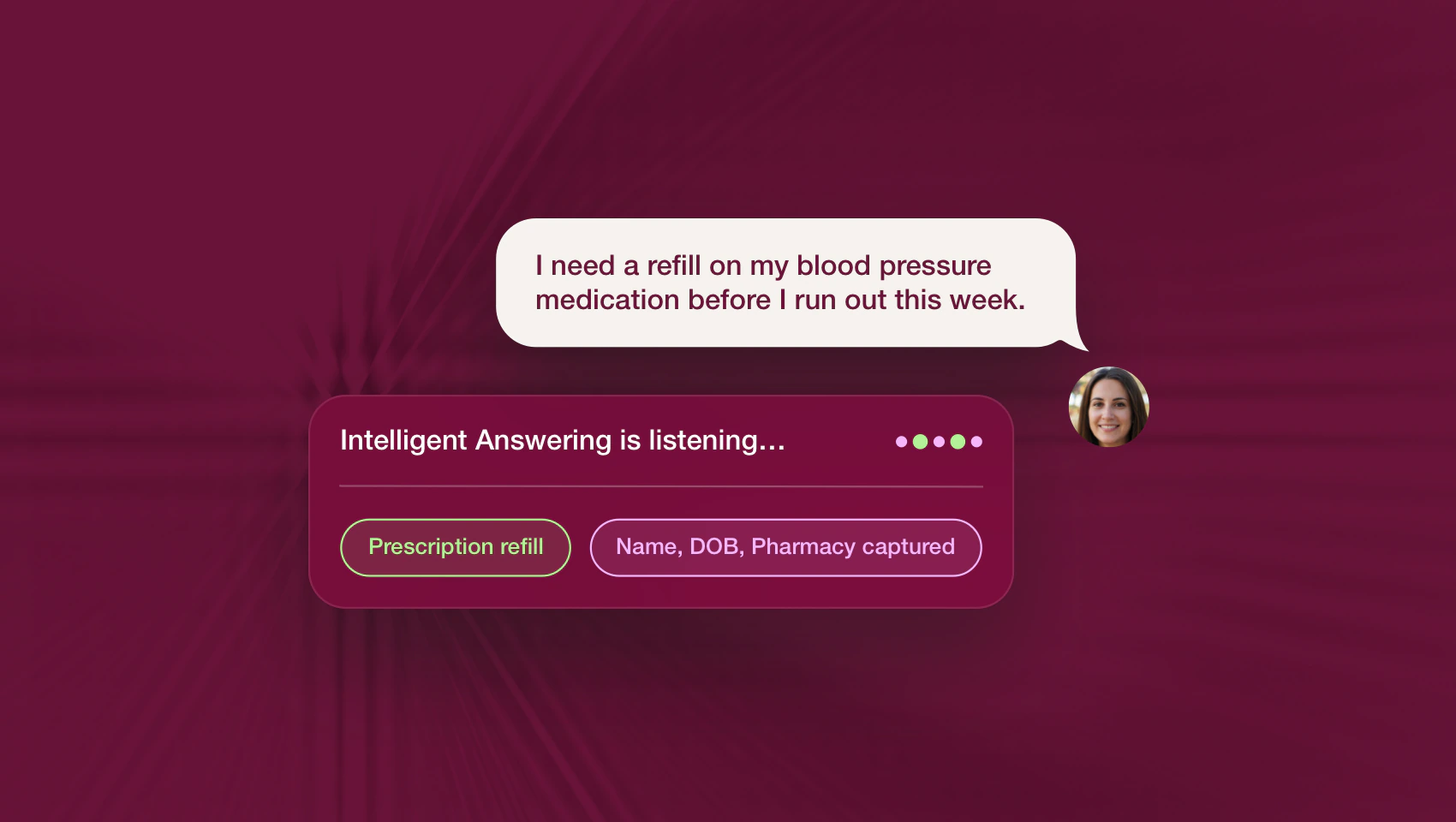
PerfectServe uses custom pricing based on organization size and the solutions you need, such as clinical communication, scheduling, operator console, or medical answering service. Request a demo for a quote tailored to your environment.
Can PerfectServe replace our pagers?
Yes. PerfectServe runs on the devices teams already use (smartphones, desktops, and VoIP phones) and can work alongside legacy pagers during a transition rather than forcing an overnight switch. Organizations commonly use it to retire pager fleets while keeping critical alerts reliable.
Does PerfectServe integrate with our EHR and existing systems?
Yes. PerfectServe integrates with Epic, Oracle Health (Cerner), and 270+ clinical systems, including nurse call and alerting platforms, lab and radiology systems, telephony providers, and pager networks. Messaging can be embedded directly in the EHR, so patient context travels with every on-call message and clinicians don’t switch between applications.
Is clinical communication software only for large hospitals?
No. The best platforms can scale from single-specialty clinics to large health systems. PerfectServe serves both 500+ hospitals and 30,000+ medical practices, using the same routing engine for acute and post-acute care settings.
Is PerfectServe HIPAA-compliant and secure?
Yes. PerfectServe is HIPAA compliant and SOC 2 compliant. Messages are encrypted at rest and in flight, every action is captured in a complete audit trail, and every covered entity receives a signed Business Associate Addendum before going live. See how we make trust and security a priority.
How long does a demo take?
A demo with PerfectServe typically lasts about 20-30 minutes. Schedule one now to see how our solutions can benefit your organization.
Don’t have time? Take a product tour of our solutions.
Do I need a special device to use PerfectServe?
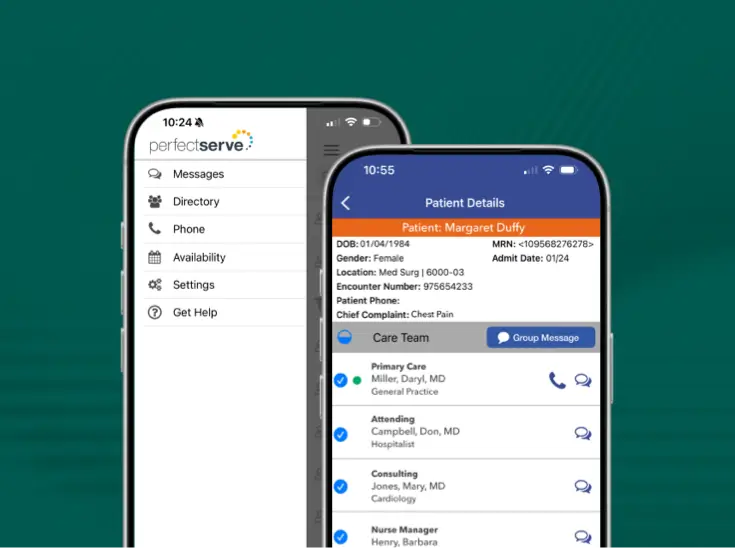
No. PerfectServe works on your legacy devices, smartphones (including both BYOD and shared device models), VoIP and landline phones, desktops, and even pagers. No proprietary devices are required.
What is PerfectServe?
PerfectServe is a leading provider of technology that helps healthcare organizations communicate, coordinate real-time care delivery, and schedule their most valuable assets, including people, rooms, and even equipment. With our clinical communication, physician scheduling, operator console, and medical answering service solutions, we help our customers accelerate speed to care by ensuring the right people are in place at the right time to take action on important information related to patient care.

See it running on [your systems]
We'll show you how it runs on PerfectServe, with your teams, your sites, and your EHR.